

A smart doorbell with the most reliable offline/local storage is one that offers a combination of high-capacity on-device storage (typically via a microSD card of 128GB or more), robust data encryption for saved footage, and provides full access to recordings and core features without a mandatory monthly subscription. These features ensure your video data is secure, private, and accessible even if your internet connection temporarily fails.

Choosing the right smart doorbell involves balancing features, privacy, and cost. While cloud storage is convenient, the security and long-term savings of local storage are compelling. This text will detail what makes offline storage reliable, how it compares to cloud solutions, and which features are essential for protecting your home and your data.
Table of Contents
- What Exactly is Smart Doorbell Local Storage?
- Why Should You Prioritize Local Storage Over Cloud-Only Options?
- Which Features Define Reliable Offline Storage?
- Storage Capacity and Expandability
- Recording Modes: Continuous vs. Event-Based
- Data Security and Encryption Standards
- Accessibility: How Do You Access Your Footage?
- How Do Leading Smart Doorbells Implement Local Storage?
- What Are the Potential Downsides of Relying Solely on Local Storage?
- How Can You Secure Your Locally Stored Doorbell Footage?
- Does Local Storage Mean No Smart Features?
- Which Smart Doorbell Offers a Balanced Approach?
What Exactly is Smart Doorbell Local Storage?
In the context of home security, smart doorbell local storage refers to the method of saving video recordings directly onto a physical device located within your home, rather than uploading them to a remote server owned by the manufacturer. This gives you, the homeowner, direct physical control over your video data. The primary goal is to maintain privacy and eliminate the need for ongoing cloud subscription fees to access your own recordings.
This storage can take a couple of forms. The most common is a microSD card slot built directly into the doorbell unit itself. When motion is detected or the button is pressed, the video clip is written to this card. Another popular method involves a dedicated base station or "home base" that sits inside your home, connected to your Wi-Fi router. The doorbell communicates wirelessly with this hub, which contains the storage medium—either a larger SD card or sometimes even a built-in hard drive.
Differentiating On-Device vs. Hub-Based Storage
On-device storage, typically via a microSD card, is the simplest implementation. It’s self-contained and easy to set up. The main vulnerability is that if the doorbell itself is stolen or damaged, the storage card and all its footage are lost with it. This is a significant consideration for security-conscious users.
Hub-based storage provides an extra layer of security. Since the base station is safely inside your home, the video data is transmitted wirelessly and stored away from the vulnerable exterior unit. Even if the doorbell is stolen, the recordings of the event are securely saved indoors. These hubs often offer additional benefits, such as acting as a digital chime and sometimes having a battery backup to keep recording during a power outage.
Why Should You Prioritize Local Storage Over Cloud-Only Options?
While cloud storage offers the benefit of off-site backup, the arguments for prioritizing local storage are rooted in two fundamental user concerns: long-term cost and personal data privacy. For many, these advantages far outweigh the convenience of automatic cloud uploads.
The Cost Savings: Escaping Monthly Subscriptions
The most immediate and tangible benefit of a smart doorbell local storage solution is the elimination of mandatory monthly or annual subscription fees. Many cloud-based doorbells are affordable upfront, but their functionality is severely limited without a paid plan. Features like viewing video history beyond a few hours, downloading clips, or enabling advanced person detection are often locked behind a paywall.
These small monthly fees add up significantly over the life of the device. A $3 to $10 monthly fee can amount to $36 to $120 per year. Over five years, that’s an additional $180 to $600 spent just to access your own security footage. In contrast, a one-time purchase of a high-capacity microSD card, which can cost as little as $20-$40, provides years of storage with no recurring charges.
The Privacy Advantage: Who Controls Your Data?
Privacy is a paramount concern in the age of smart devices. When your video footage is uploaded to the cloud, it resides on a server managed by a third-party company. While these companies implement security measures, your data is still outside your direct control. It is potentially accessible by company employees for service or AI training purposes and could be exposed in the event of a data breach.
Local storage fundamentally changes this dynamic. Your video clips are stored on a device you own, inside your home. This setup minimizes the exposure of your private life to external parties. For individuals who are uncomfortable with their personal moments—like children playing in the yard or conversations at the front door—being stored on a remote server, local storage is the only acceptable solution.
Which Features Define Reliable Offline Storage?
Not all local storage solutions are created equal. True reliability goes beyond simply having an SD card slot. It's an ecosystem of features working together to ensure your footage is captured, secured, and accessible when you need it most.
Storage Capacity and Expandability
The amount of video you can store is determined by the maximum supported capacity of the microSD card. A doorbell that only supports up to 32GB will fill up quickly, especially with high-resolution video, forcing older footage to be overwritten rapidly. A reliable system should support 128GB, 256GB, or even higher-capacity cards. This allows for weeks, or even months, of event recordings to be stored before old files are looped over, giving you a much wider window to review past incidents.
Recording Modes: Continuous vs. Event-Based
Most battery-powered doorbells with local storage use event-based recording to conserve power. They only record when motion is detected or the button is pressed. In contrast, some wired doorbells offer continuous video recording (CVR), capturing footage 24/7. While CVR provides a complete timeline, it requires immense storage space and a constant power source. For most users, reliable and intelligent event-based recording, triggered by accurate AI-powered motion detection, is more than sufficient and practical.
Data Security and Encryption Standards
Storing data locally doesn't automatically make it secure if it's not protected. Reliable local storage solutions must encrypt the video files on the storage card. This means that even if a thief were to steal the microSD card, they would not be able to view the footage by simply plugging it into a computer. Look for doorbells that specify AES-128 bit or higher encryption for data at rest. Additionally, the wireless transmission of video from the doorbell to your phone or an indoor hub should be protected with modern Wi-Fi security protocols like WPA2 or WPA3.
Accessibility: How Do You Access Your Footage?
Great storage is useless if you can't easily access the video. A high-quality system allows you to browse, view, and download locally stored clips directly from the companion smartphone app from anywhere, just as you would with cloud storage. The process should be seamless and not require you to physically remove the SD card to review footage, which should only be a last-resort backup option.
How Do Leading Smart Doorbells Implement Local Storage?
Different brands have adopted varied strategies for local storage, each with its own set of trade-offs. Understanding these differences is key to making an informed choice that aligns with your security and privacy needs.
Some brands have made "no-fee local storage" their primary selling point, often pairing doorbells with a HomeBase. Others, like Botslab, focus on integrating high-capacity, on-device storage to offer a streamlined and cost-effective solution without requiring an additional hub. This table provides a snapshot of how different approaches work.
| Brand | Storage Type | Typical Max Capacity | Subscription Required for Core Features? |
|---|---|---|---|
| Botslab | On-Device (microSD Card) | Up to 256GB | No, core features and video history are fully accessible |
| Eufy | Hub-Based or On-Device | 16GB built-in (Hub) or up to 128GB (microSD) | No, local storage is a primary feature |
| Arlo | Hub-Based (microSD/USB) or Direct to Phone | Up to 2TB (Hub) | Yes, a subscription is often needed for cloud access and advanced features |
What Are the Potential Downsides of Relying Solely on Local Storage?
While local storage offers significant advantages, it's important to acknowledge its potential limitations. The primary risk is physical loss. If your doorbell, along with its internal microSD card, is stolen or destroyed by fire or vandalism, the recorded footage is lost with it. This is a scenario where cloud storage offers a clear benefit, as the footage would already be safely uploaded to a remote server.
Another consideration is the finite nature of the storage medium. All microSD cards have a limited lifespan and will eventually fail after a certain number of write cycles. While a high-quality "endurance" card designed for security cameras can last for years, it is still a physical component that can wear out. Relying solely on local storage means you bear the responsibility for monitoring the health of your storage card and replacing it if it fails.
How Can You Secure Your Locally Stored Doorbell Footage?
Securing your locally stored footage involves protecting both the physical device and the digital data. First, ensure your home Wi-Fi network is secure. Use a strong, complex password and enable WPA3 encryption if your router supports it. This is your first line of defense against unauthorized access to any device on your network, including your smart doorbell.
Secondly, enable all available security features in the doorbell's app. This includes setting up two-factor authentication (2FA), which requires a code from your phone in addition to your password to log in. This prevents unauthorized access to your account and live camera feed. Finally, always keep your doorbell's firmware updated. Manufacturers regularly release updates that patch security vulnerabilities and improve performance, ensuring your device is protected against emerging threats.
Does Local Storage Mean No Smart Features?
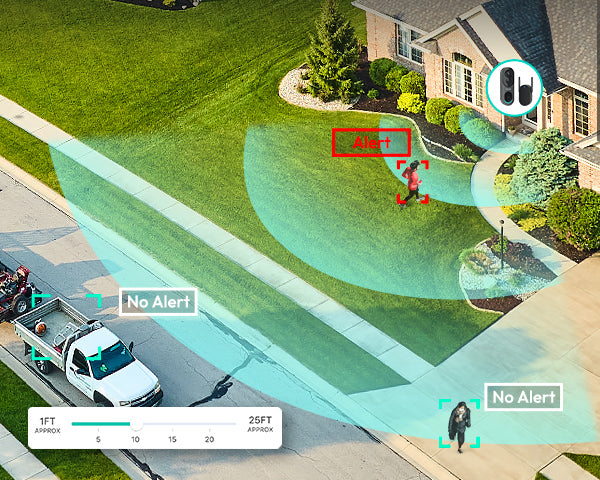
A common misconception is that choosing a doorbell with local storage means sacrificing the "smart" features that make these devices so useful. This is largely untrue. Critical smart functions like real-time notifications, two-way audio communication, live video streaming to your phone, and even advanced AI-powered person or package detection are typically processed on the device or through its app, independent of the storage method.
When your doorbell detects a person, it sends a notification to your phone instantly. You can then open the app to see a live view and speak with the visitor. The decision to record that event to local storage or a cloud server happens afterward. Therefore, you can enjoy a fully featured smart experience, complete with intelligent alerts and remote access, without ever paying for a cloud subscription, provided you choose a device designed to function this way.
Which Smart Doorbell Offers a Balanced Approach?
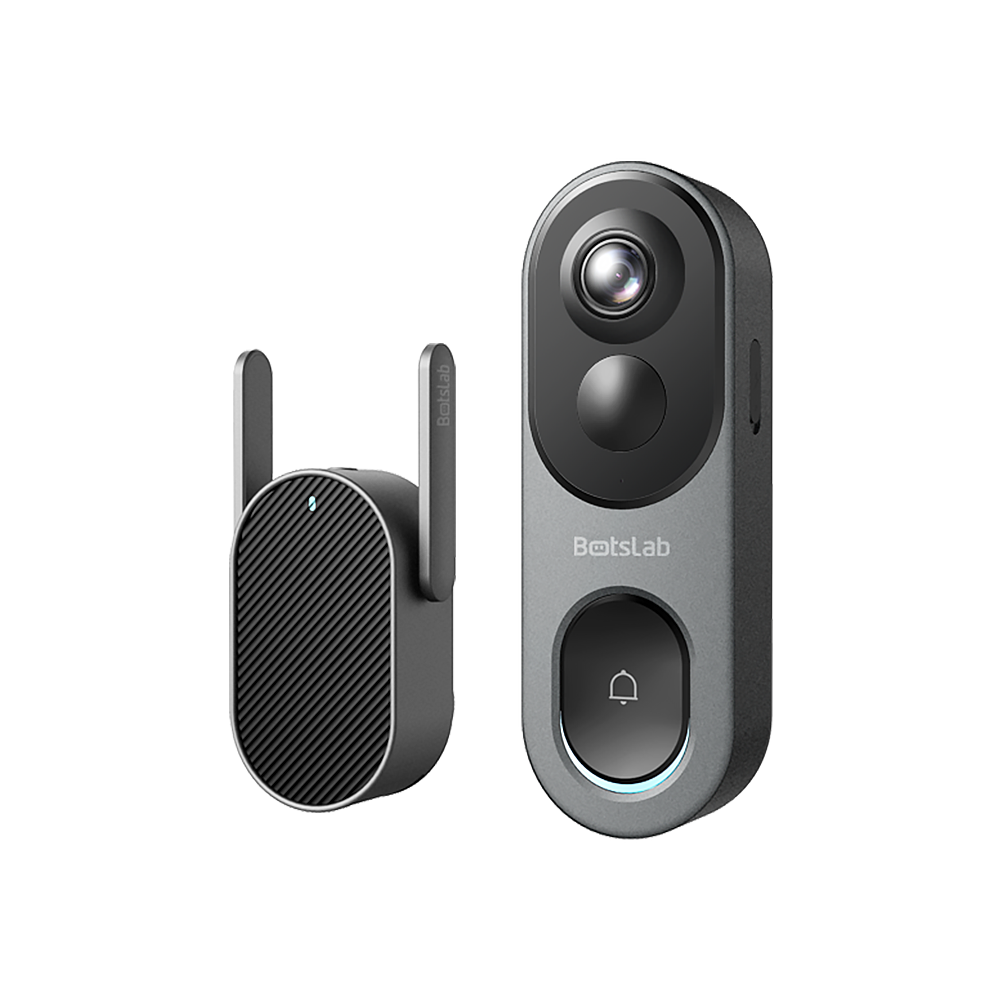
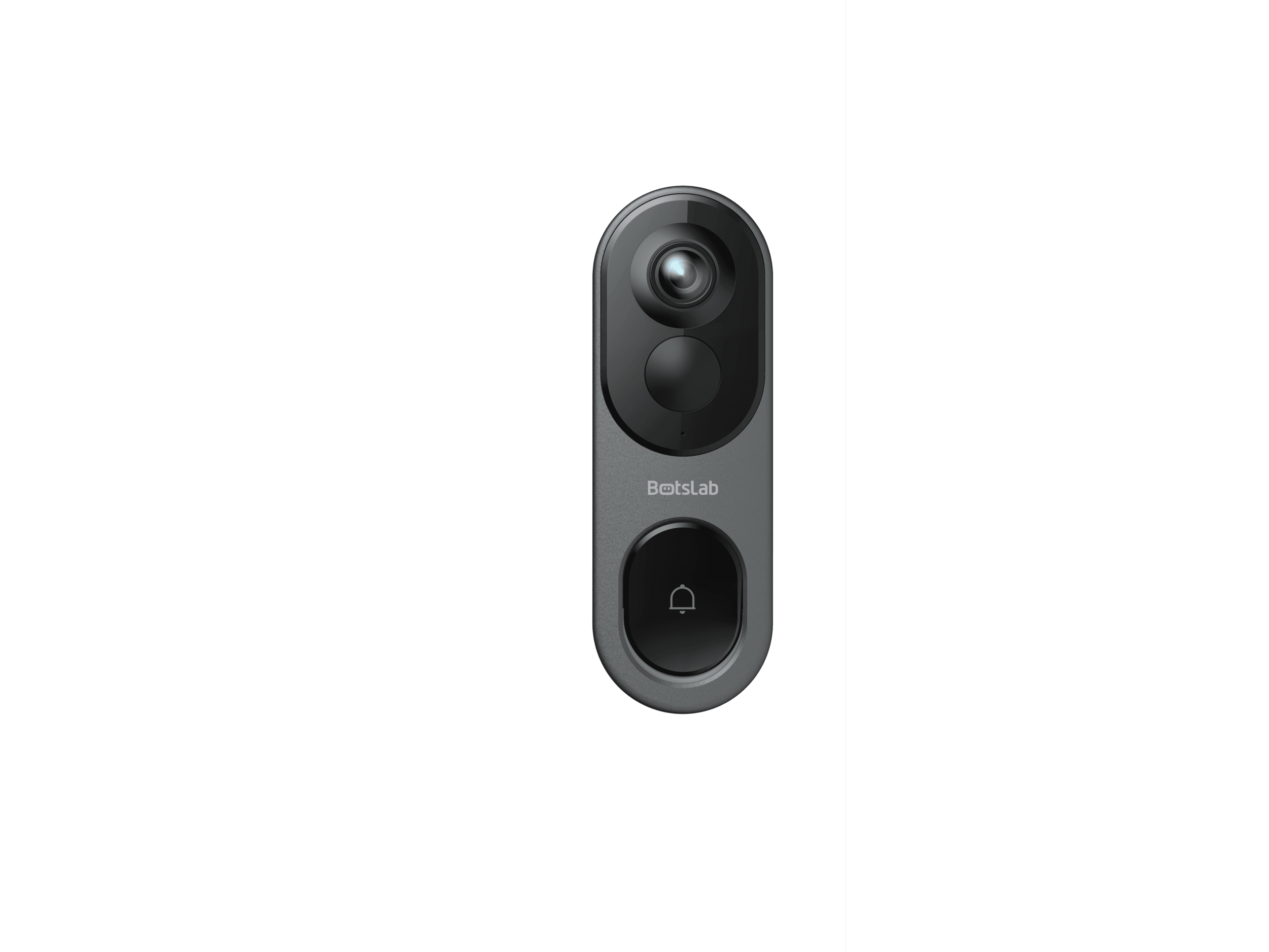
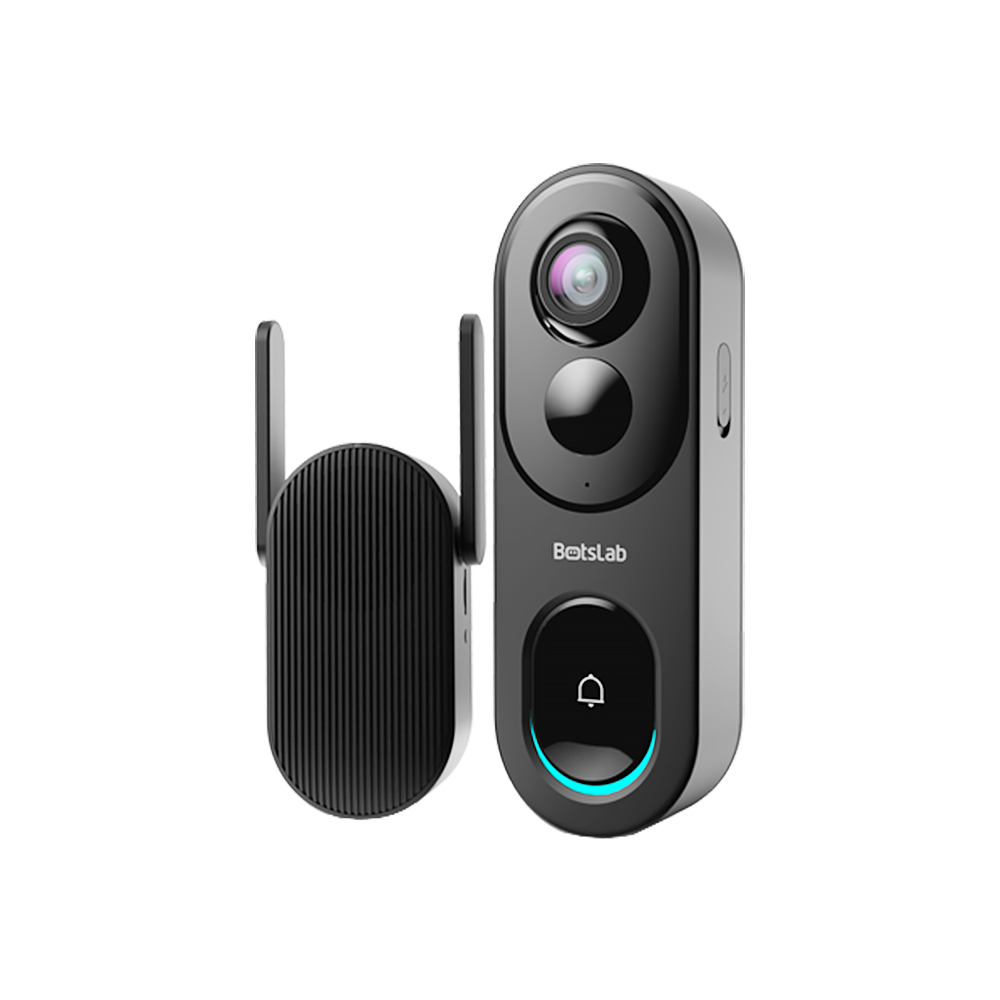
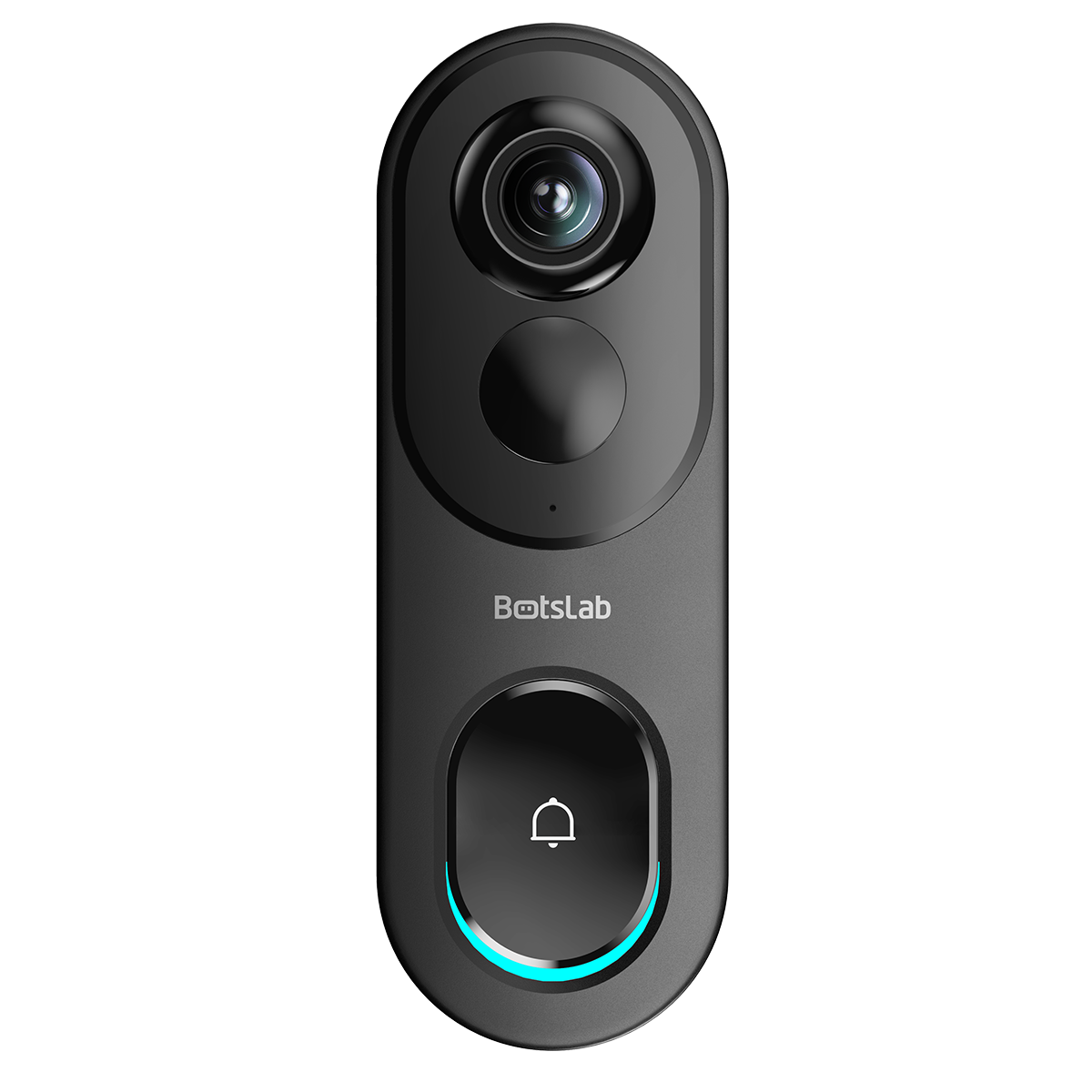
For users seeking a modern solution that masterfully blends high-end features with robust smart doorbell local storage, the Botslab Video Doorbell presents a compelling case. It directly addresses the core needs of privacy, cost, and reliability by providing on-device storage without requiring an extra hub.
With support for up to a 256GB microSD card, the Botslab doorbell offers an expansive storage capacity, capable of holding months of event-triggered 2K resolution video. This high-capacity local solution ensures that you have a long history of footage available right at your fingertips through the app, without any monthly fees. Paired with its advanced features like AI human detection and crystal-clear video quality, it provides a complete and secure front-door monitoring system that puts you in control of your data and your budget.














Share:
Which video doorbells rank in the top five for smart door functionality?
Why choose a video doorbell that offers both battery-powered and wired connection options?