

The best video doorbells with native smart lock integration are from brands like Botslab, Google Nest, Ring, Wyze, and Eufy. These systems allow you to see who is at your door and unlock it for them from a single smartphone app, creating a seamless and highly secure smart entry experience that elevates home convenience and peace of mind.

Table of Contents
- Why Should You Pair a Video Doorbell with a Smart Lock?
- What Defines "Native" Smart Lock Integration?
- Which Are the Top 5 Video Doorbells with Seamless Lock Control?
- How Do You Choose the Right Doorbell and Lock Combo for Your Home?
- Where Does Botslab Fit into the Smart Security Landscape?
- What Are the Future Trends for Smart Entry Systems?
- Frequently Asked Questions About Integrated Doorbells and Locks
Why Should You Pair a Video Doorbell with a Smart Lock?
Combining a video doorbell with a smart lock transforms your front entryway from a simple barrier into an intelligent, remote-controlled access point. This synergy offers a remarkable upgrade in both convenience and security. Imagine a delivery driver arrives while you're at work; you can see them, speak to them through the doorbell's two-way audio, and then remotely unlock the door for them to place the package safely inside. No more worrying about porch pirates.
This integration also provides immense value for managing access for family, friends, and service providers. If a family member forgets their key, you can let them in from anywhere in the world. You can grant temporary access to a dog walker or a cleaner without needing to share a physical key, and then revoke that access just as easily. This pairing creates a powerful security log, as the video doorbell captures a recording of everyone who enters, which is correlated with the lock's activity log. It’s about creating a smarter, more responsive, and more secure home environment.
What Defines "Native" Smart Lock Integration?
In the world of smart homes, "native integration" refers to two or more devices, typically from the same brand or a very close partner, that are designed to work together flawlessly within a single application. For video doorbells with native smart lock integration, this means you don't need to juggle multiple apps to manage your front door. When you receive a motion alert or a doorbell press notification, the option to unlock your door is presented directly within the same interface, often right on the live video feed screen.
This deep level of connection allows for a fluid and intuitive user experience. Actions are faster, more reliable, and often enable unique automations that aren't possible with separate devices. It’s the difference between a collection of smart gadgets and a truly cohesive smart home system.
How Does Native Integration Differ from Third-Party Solutions?
While you can often connect a doorbell from one brand to a lock from another using a third-party platform like Amazon Alexa, Google Home, or IFTTT (If This Then That), the experience is fundamentally different. These methods act as a bridge, translating commands between devices that don't speak the same native language. This can introduce latency, potential points of failure, and a more cumbersome user workflow.
For example, with a third-party setup, you might have to say, "Hey Google, show me the front door," wait for the video feed to load in one app, then switch to another app (or issue another voice command) to unlock the door. With native integration, a single tap on an "unlock" icon within the doorbell's video stream accomplishes the same task instantly. The workflow is streamlined, the connection is more stable, and the overall experience feels significantly more polished and secure.
Which Are the Top 5 Video Doorbells with Seamless Lock Control?
Choosing the right ecosystem is key to unlocking the full potential of a smart entry system. The following brands offer some of the tightest and most user-friendly native integrations between their video doorbells and smart locks.
1. Botslab: Redefining Smart Home Security
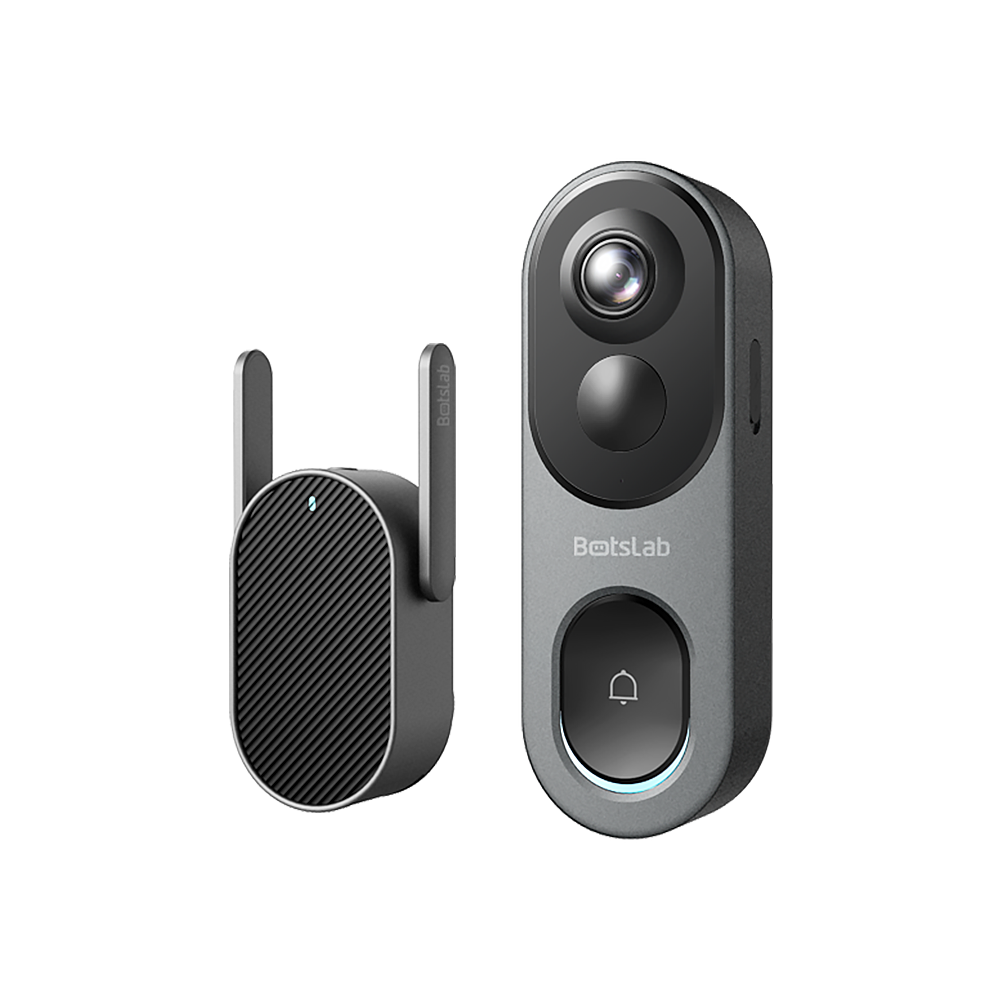
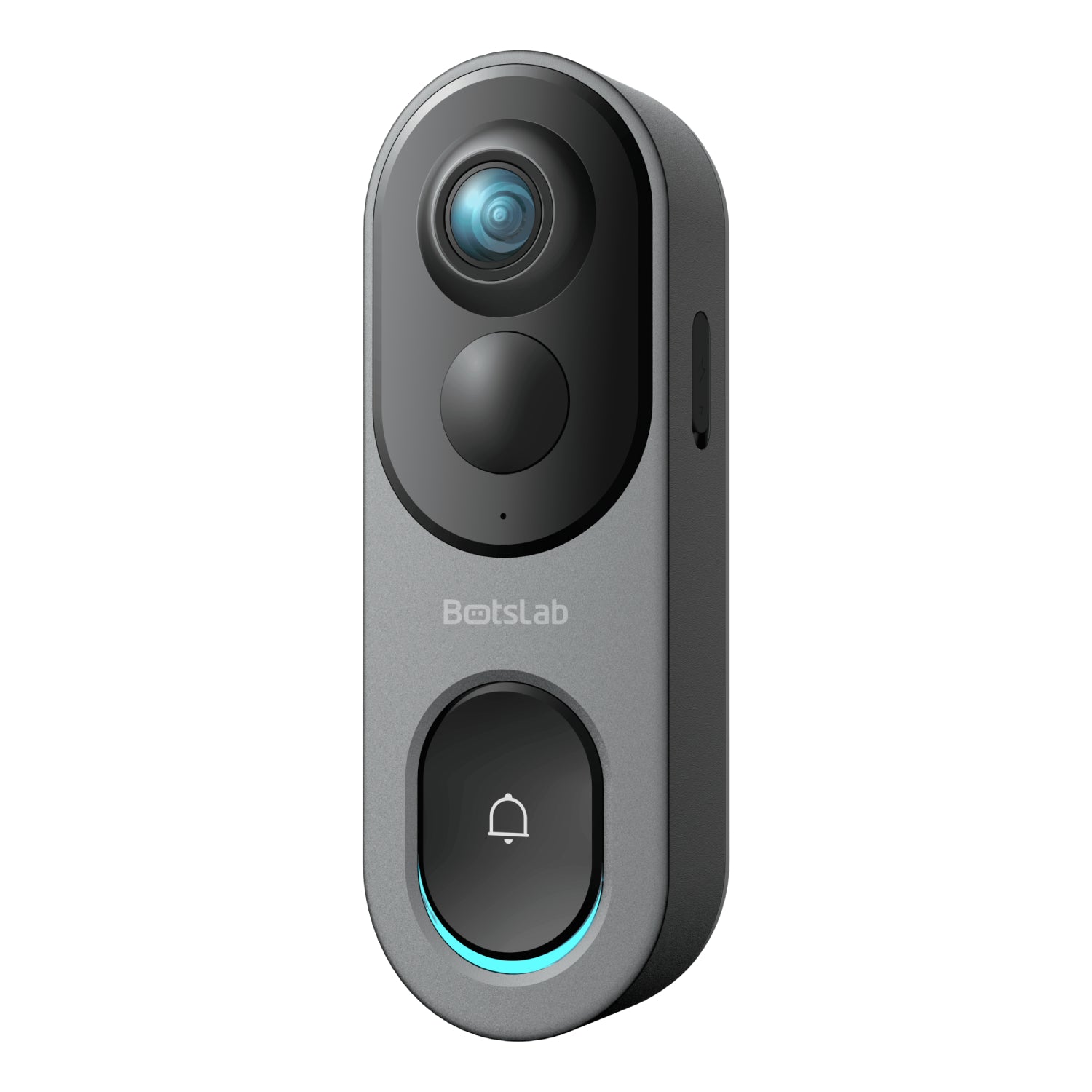
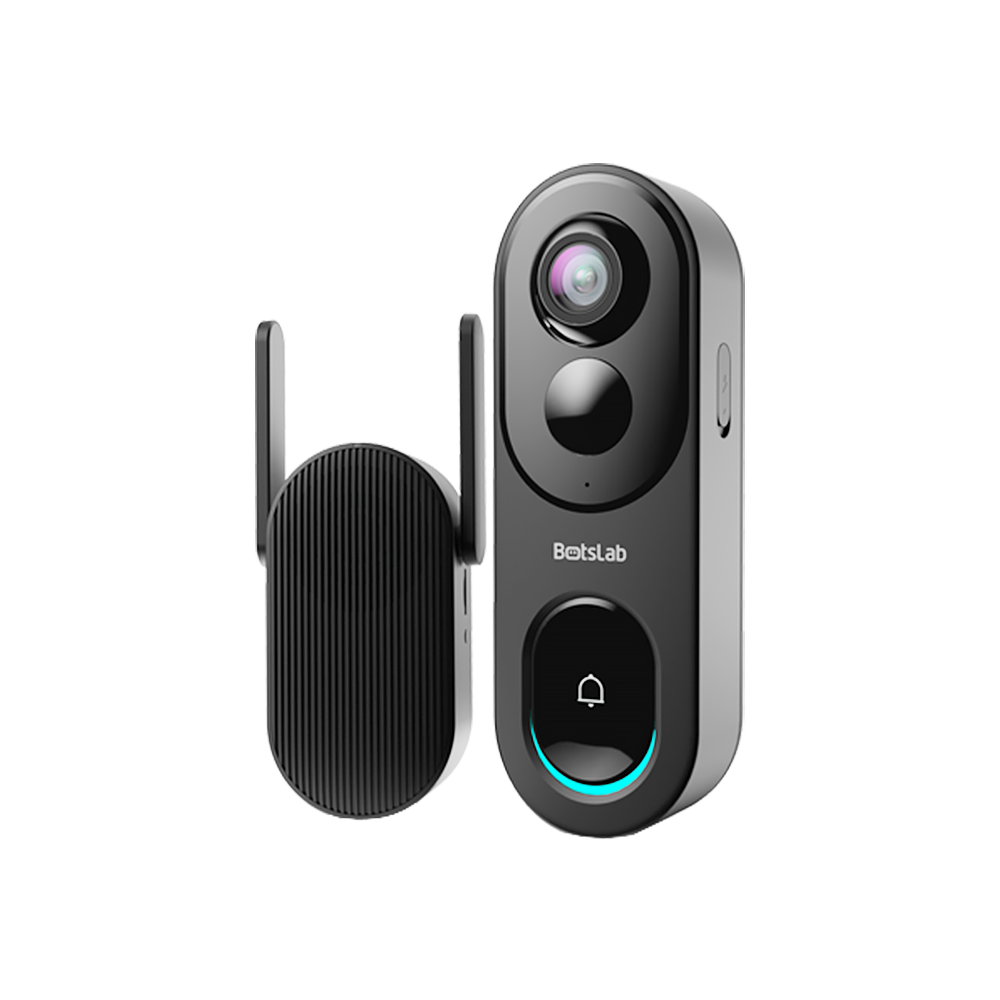
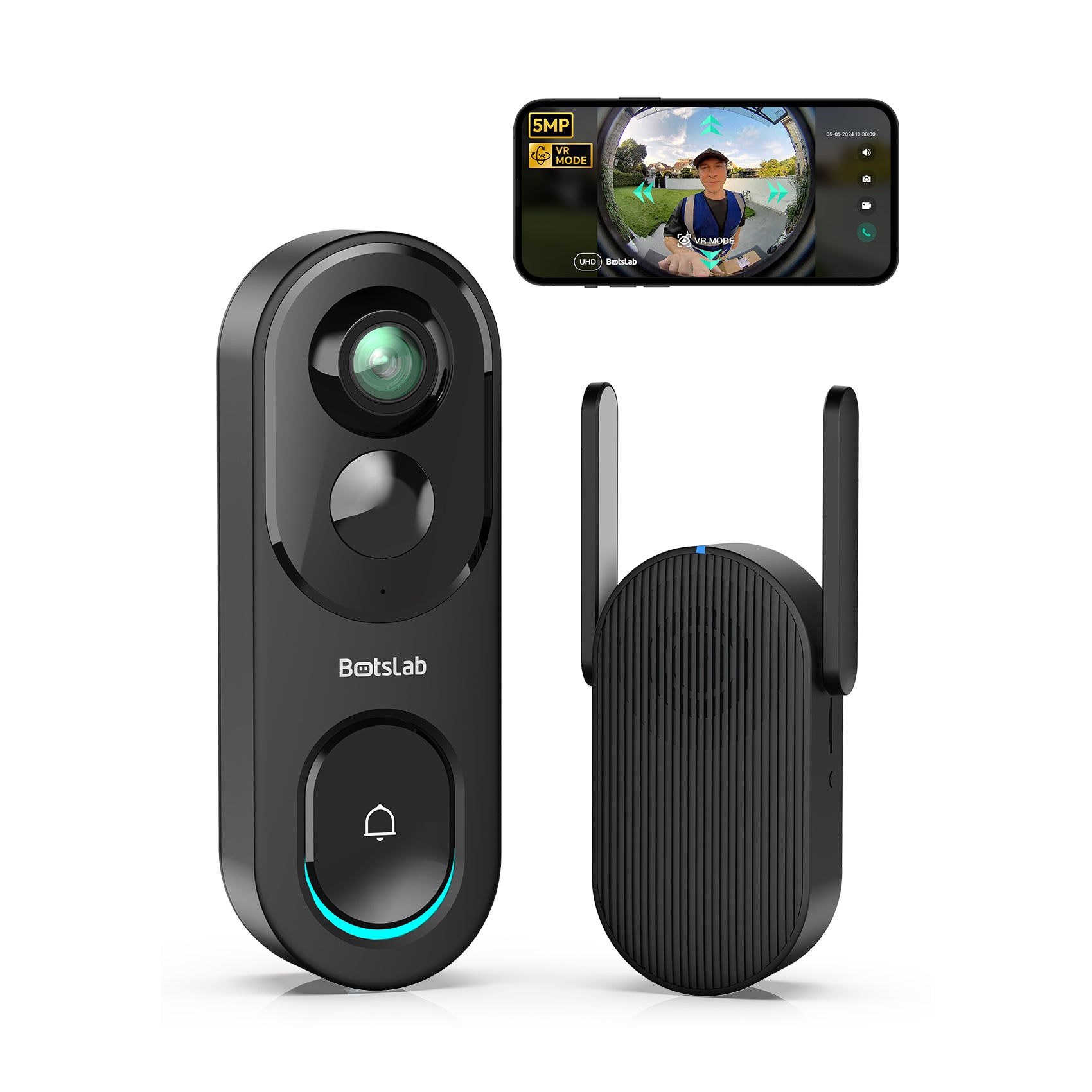
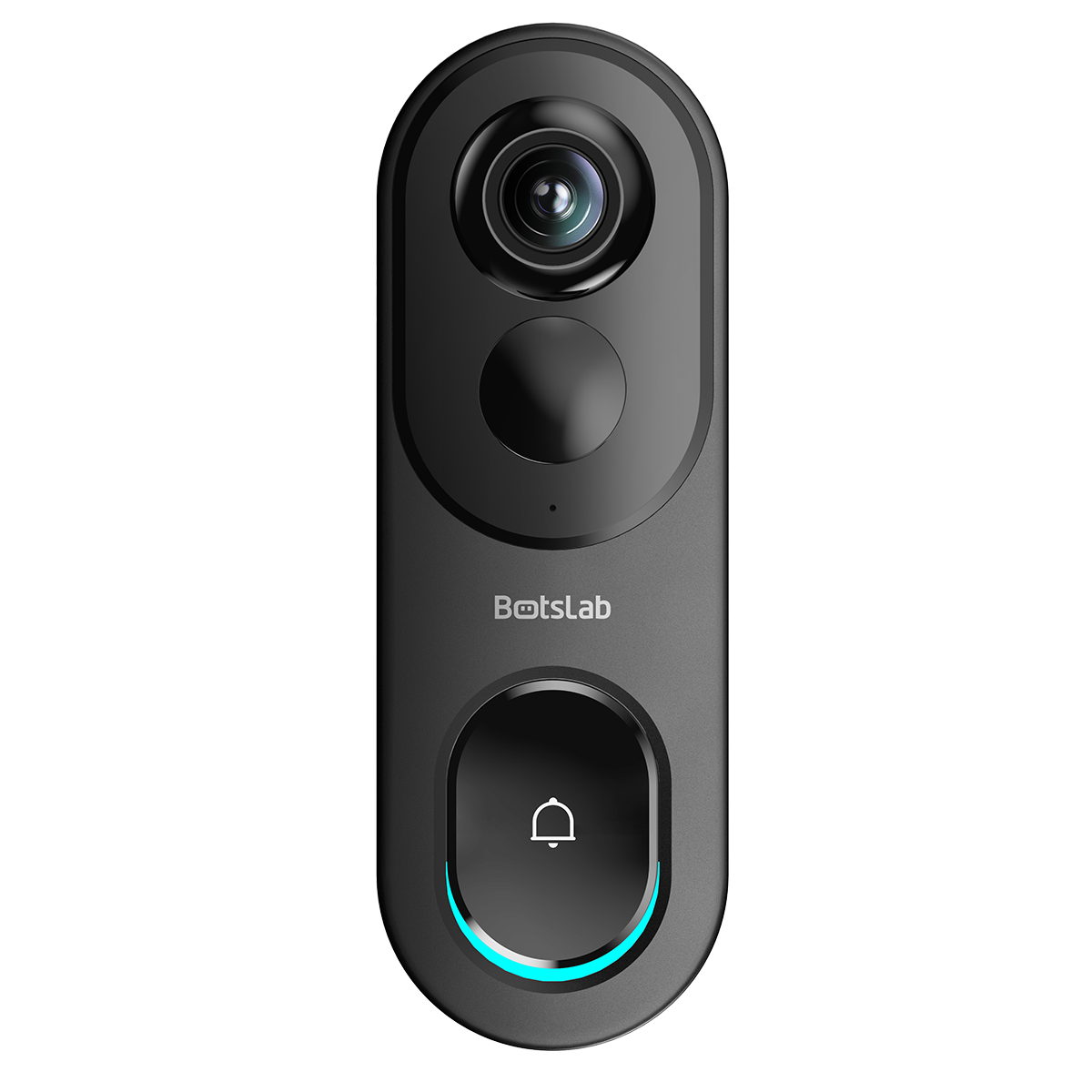
Botslab has rapidly emerged in the smart security sector, and its Video Doorbell 2 Pro (R811S) exemplifies the brand's commitment to efficient home monitoring and convenient access communication. This system is designed to provide clear visibility and instant interaction, making it ideal for users who prioritize home safety and remote surveillance.

Buy Video Doorbell 2 Pro (R811S) Now
The Botslab App serves as the central hub for your security system, offering a unified platform to manage your doorbell, receive alerts, and review footage.
When someone presses the Botslab doorbell, you receive an immediate notification on your phone, allowing you to view the live feed in stunning 2K Ultra HD resolution. You can engage in two-way talk or use pre-set quick replies instantly. This high-quality, zero-delay interaction is a core advantage of the Botslab ecosystem. The doorbell offers flexible installation, supporting both wired and wireless (battery) power options, making post-installation easy in various home environments.
Botslab System Details
| Feature | Details |
|---|---|
| Key Product | Botslab Video Doorbell 2 Pro (R811S) |
| Integration Level | Good: Manages doorbell, remote two-way talk, and alerts via a single application (Botslab App). |
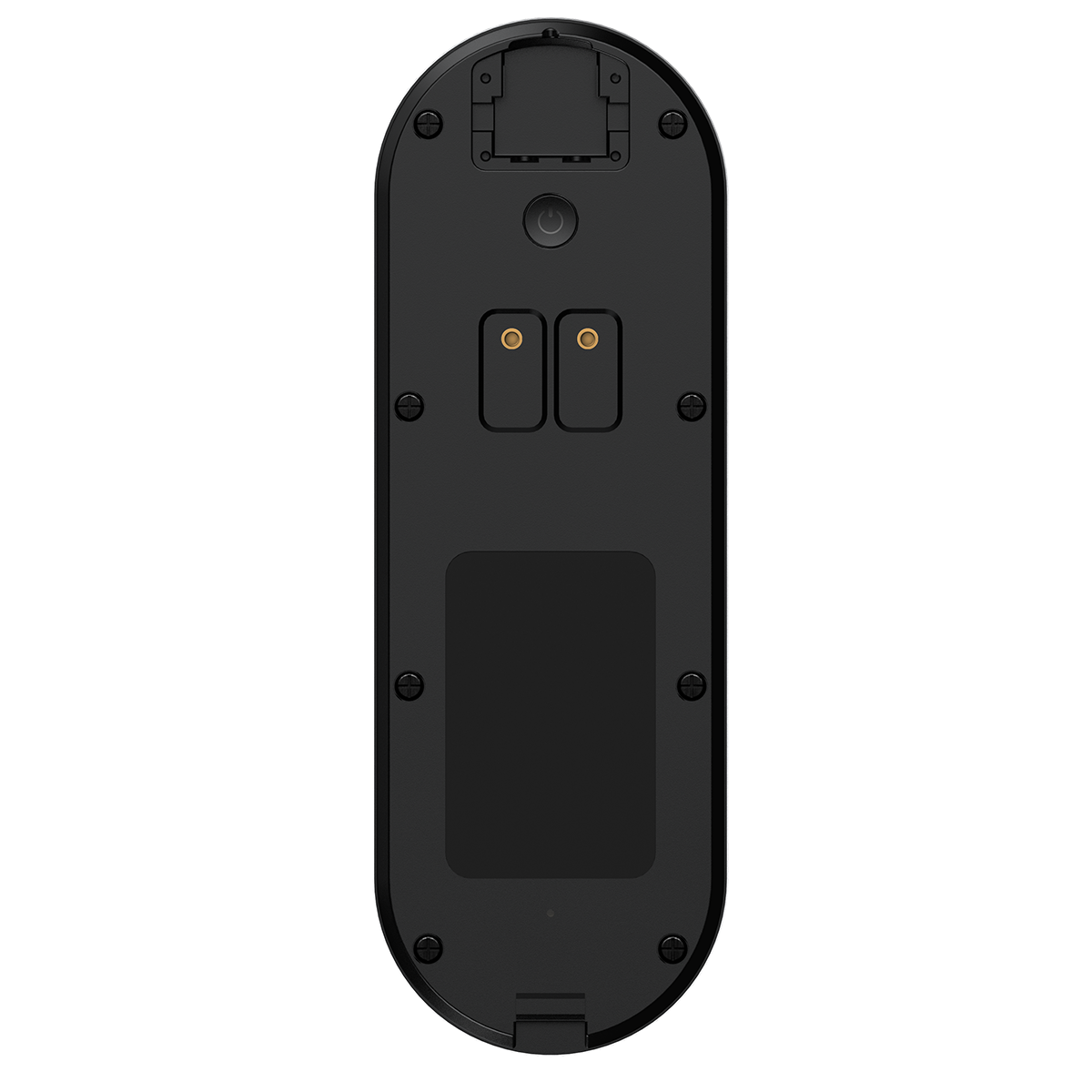
| Power Source | Flexible Dual Power: Built-in battery power (wireless) or existing doorbell wiring (wired). |
| Unique Features | 2K Ultra HD Video Quality, Local/Cloud Storage Options, AI Human Detection, and long-lasting battery life. |
2. Google Nest: The AI-Powered Ecosystem
The Google Nest ecosystem offers one of the most intelligent and feature-rich integrations available. The Nest Doorbell (wired or battery) works in perfect harmony with the Nest x Yale Lock. Thanks to Google's powerful AI, the doorbell can intelligently recognize familiar faces, packages, animals, and vehicles, giving you highly specific and useful alerts.
Within the Google Home app, managing the lock and doorbell is effortless. You can create temporary passcodes for guests directly from the app and see a combined history of who came to the door and when it was unlocked. The ability to create household routines, such as having your indoor Nest speakers announce who is at the door by name, makes this a deeply integrated smart home solution.
| Feature | Google Nest System Details |
|---|---|
| Key Products | Nest Doorbell (Battery or Wired, 2nd gen), Nest x Yale Lock |
| Integration Level | Excellent: Unified in Google Home app with advanced AI features. |
| Power Source | Doorbell: Battery or Wired; Lock: Battery |
| Unique Feature | Familiar Face alerts can announce specific guests by name on Google Assistant devices. |
3. Ring: The Amazon-Backed Security Suite
As an Amazon company, Ring has built a vast ecosystem of security devices. While Ring doesn't make its own smart lock, it has established deep native partnerships with leading lock manufacturers like Schlage, Yale, Kwikset, and Level Lock. This integration is facilitated through the Ring Alarm security system, which acts as the central hub.
Once a compatible smart lock is linked to your Ring Alarm, you can lock and unlock your door directly from the Ring app's dashboard or even from the live view of your Ring Video Doorbell. This setup is ideal for users who want to build a comprehensive, whole-home security system that extends beyond just the front door.
| Feature | Ring System Details |
|---|---|
| Key Products | Ring Video Doorbell Pro 2, Ring Alarm, various compatible Z-Wave locks (e.g., Schlage Encode) |
| Integration Level | Very Good: Requires Ring Alarm hub but enables single-app control. |
| Power Source | Doorbell: Varies (Wired/Battery); Lock: Battery |
| Unique Feature | Works with Amazon Key In-Garage Delivery for secure package drop-offs. |
4. Wyze: The Budget-Friendly Smart Duo
Wyze has made a name for itself by offering highly capable smart home devices at incredibly competitive prices. The Wyze Video Doorbell Pro and the Wyze Lock work together within the Wyze app to provide a functional and affordable smart entry solution. While it may not have the premium polish of Nest, the core functionality is solid.
From the Wyze app, you can view your doorbell's live stream and access the lock controls with a simple tap. The Wyze Lock also features a helpful auto-unlock function that uses your phone's location to unlock the door automatically as you approach, adding a layer of hands-free convenience.
| Feature | Wyze System Details |
|---|---|
| Key Products | Wyze Video Doorbell Pro, Wyze Lock |
| Integration Level | Good: Solid single-app functionality for core features. |
| Power Source | Doorbell: Wired or Battery; Lock: Battery |
| Unique Feature | Extremely budget-friendly compared to other integrated systems. |
5. Eufy: The Subscription-Free Security Pair
Eufy, a brand under Anker, appeals to users who prioritize privacy and want to avoid monthly subscription fees. Many of its devices, including its video doorbells and smart locks, are designed to use local storage. Eufy offers several doorbell models and a growing lineup of smart locks that work together seamlessly.
The Eufy Security app consolidates control of both devices, allowing you to answer your door and unlock it from one place. Some of Eufy's more advanced locks even include a built-in fingerprint scanner for ultra-fast, key-free entry, a feature that sets it apart from many competitors.
| Feature | Eufy System Details |
|---|---|
| Key Products | Eufy Video Doorbell Dual, Eufy Smart Lock Touch & Wi-Fi |
| Integration Level | Very Good: Unified app experience with a focus on local storage. |
| Power Source | Doorbell: Varies (Wired/Battery); Lock: Battery |
| Unique Feature | Emphasis on local storage to avoid mandatory cloud subscriptions. Some locks include a fingerprint reader. |
How Do You Choose the Right Doorbell and Lock Combo for Your Home?
Selecting the best system depends on your specific needs, budget, and existing smart home setup. Consider the following factors to make an informed decision.
What Key Features Matter Most in a Video Doorbell?
Your video doorbell is your eye on the world. Look for a model with a high resolution—at least 1080p, but 2K is preferable—for clear, detailed video. A wide field of view (FOV) helps you see more of your porch area. Advanced AI detection is a game-changer; the ability to distinguish between people, packages, and passing cars dramatically reduces false alerts. Also, consider the power source: wired doorbells offer continuous power, while battery-powered models provide more flexible installation.
What Should You Look for in a Compatible Smart Lock?
For the smart lock, reliability and security are paramount. Check for its ANSI/BHMA security grade, which rates its strength and durability. Decide whether you prefer a retrofit model that installs over your existing deadbolt or a full replacement. Consider convenience features like a physical keypad, fingerprint access, and an auto-lock feature that secures your door automatically after a set time.
Is a Subscription Required for Full Functionality?
Be aware of the ongoing costs. Most brands require a monthly or annual subscription to unlock premium features like extended video recording history, advanced AI detections (like familiar faces), and rich notifications. Brands like Eufy often stand out by offering many of these features without a subscription by relying on local storage. Always factor the subscription cost into your total investment.
Where Does Botslab Fit into the Smart Security Landscape?
While the market for natively integrated doorbell-and-lock systems is currently led by the brands above, building a secure smart home is also about choosing best-in-class components. A superior video doorbell is the cornerstone of any smart entry setup. This is where products like the Botslab Video Doorbell excel, offering premium features that provide unmatched awareness at your front door.
Focused on the principle of a "Simpler & Smarter Life," Botslab delivers technology that is both powerful and exceptionally user-friendly. With features like crystal-clear 2K resolution, an ultra-wide field of view, and advanced AI-powered detection for humans and packages, the Botslab Video Doorbell ensures you never miss a critical detail. Its industry-leading battery life and options for both local and cloud storage give homeowners the flexibility and reliability they demand. By prioritizing a high-performance doorbell, you create a strong foundation for your home security that can be integrated with a variety of smart locks through platforms like Google Home or Alexa.
What Are the Future Trends for Smart Entry Systems?
The smart entry space is rapidly evolving. We are seeing a move toward even deeper integration and greater intelligence. The new Matter smart home standard aims to break down the walls between ecosystems, potentially allowing a doorbell from one brand to work natively with a lock from another. Biometrics are also becoming more common, with fingerprint and even facial recognition unlocking moving from science fiction to reality. Furthermore, on-device AI is improving, allowing for faster, more private processing of events without relying solely on the cloud.
Frequently Asked Questions About Integrated Doorbells and Locks
Can I use a Ring doorbell with a Nest lock?
No, not natively. Ring and Nest are competing ecosystems. While you might be able to create limited workarounds with a third-party service like IFTTT, you will not get the seamless, single-app experience of a native integration. It is best to choose a doorbell and lock from within the same ecosystem.
Do these systems work without Wi-Fi?
The smart features, such as remote viewing, notifications, and remote unlocking, all depend on a stable Wi-Fi connection. If your internet goes down, the video doorbell will not be able to send alerts. However, the smart lock will typically continue to function as a regular lock. You can still use a physical key, the keypad, or a fingerprint scanner (if available).
Is professional installation necessary?
Most video doorbells and smart locks are designed for DIY installation and come with detailed instructions and all necessary hardware. A basic understanding of tools and, for wired doorbells, doorbell wiring, is usually sufficient. However, if you are not comfortable with the process, hiring a professional is always a good option to ensure everything is set up correctly.









Share:
Which Video Doorbell Offers the Best High Dynamic Range (HDR) Video Quality?
Which Smart Doorbell Features the Most Reliable Offline/Local Storage?