

The dash cam models ranking highest for user-friendly app control often include brands like Thinkware, BlackVue, and Botslab. These are praised for their stable Wi-Fi connectivity, fast video download speeds, intuitive user interfaces, and advanced features like cloud storage and remote notifications, which allow users to easily manage settings and access critical footage directly from their smartphones.

Table of Contents
- What Makes a Dash Cam App "User-Friendly"?
- Which Dash Cams Offer the Best App Experience?
- How Does Wi-Fi vs. Cloud Connectivity Impact App Control?
- What Key Features Should You Look For in a Dash Cam App?
- Can a Poor App Ruin a Good Dash Cam?
- How Do You Connect Your Phone to Your Dash Cam?
- Are There Common Problems with Dash Cam Apps?
What Makes a Dash Cam App "User-Friendly"?
The quality of a dash cam is no longer measured by video resolution alone. The mobile application is the primary bridge between you and your device, and its design dictates the entire user experience. A "user-friendly" app isn't just about aesthetics; it's a combination of reliability, speed, and intuitive design. The most critical factor is the stability of the connection. An app that frequently drops its Wi-Fi connection or fails to pair with the camera is a major source of frustration, rendering other features useless.
Beyond a stable connection, the user interface (UI) and user experience (UX) are paramount. Navigating the app should feel effortless. Accessing recorded videos, differentiating between continuous recordings and event files, and changing camera settings should not require a manual. Download speed is another crucial element. In the stressful moments after an incident, waiting minutes for a short video clip to transfer to your phone is impractical. The best apps utilize efficient Wi-Fi protocols to ensure swift and seamless video downloads, allowing you to save and share evidence quickly.
Which Dash Cams Offer the Best App Experience?
Several brands have distinguished themselves by developing robust and feature-rich applications that complement their high-quality hardware. These companies understand that the app is an integral part of the product, not an afterthought. Leaders in this space consistently refine their software to improve connectivity, speed, and overall functionality.
Thinkware: Why is it a Leader in App Functionality?
Thinkware is frequently praised for its polished and powerful app ecosystem, primarily through its Thinkware Dash Cam Link and Thinkware Connected services. The app's main strength lies in its reliability and comprehensive control. Users can effortlessly adjust every conceivable setting, from video quality and G-sensor sensitivity to the intricate behaviors of its advanced parking mode. The interface is clean, logically organized, and provides a stable live view.
Where Thinkware truly excels is with its cloud functionality. When paired with a compatible camera and an internet connection (like a mobile hotspot), Thinkware Connected provides remote live view, location tracking, and impact notifications directly to your phone. This transforms the dash cam from a passive recorder into an active security device, alerting you to incidents even when you're away from your vehicle. This combination of granular local control and powerful remote features makes its app a top choice for discerning users.
BlackVue: What Sets Its Cloud and App Ecosystem Apart?
BlackVue is often considered the pioneer of cloud-connected dash cams, and its app, BlackVue App, reflects this maturity. The platform is built around the powerful BlackVue Cloud, which offers a suite of remote capabilities that remain a benchmark for the industry. Key features include remote live view, push notifications for events (like impacts in parking mode), GPS tracking, and two-way voice communication with the driver through the camera.
The app itself is feature-dense, which can present a slight learning curve for new users, but its power is undeniable. It allows for the management of multiple cameras, automatic cloud backup of event files, and easy sharing of footage. The direct Wi-Fi connection for local file management is also robust, with recent updates improving download speeds. For users who prioritize remote surveillance and fleet management capabilities, the BlackVue app and cloud ecosystem are in a class of their own.
Botslab: How Does It Compete with Industry Giants?
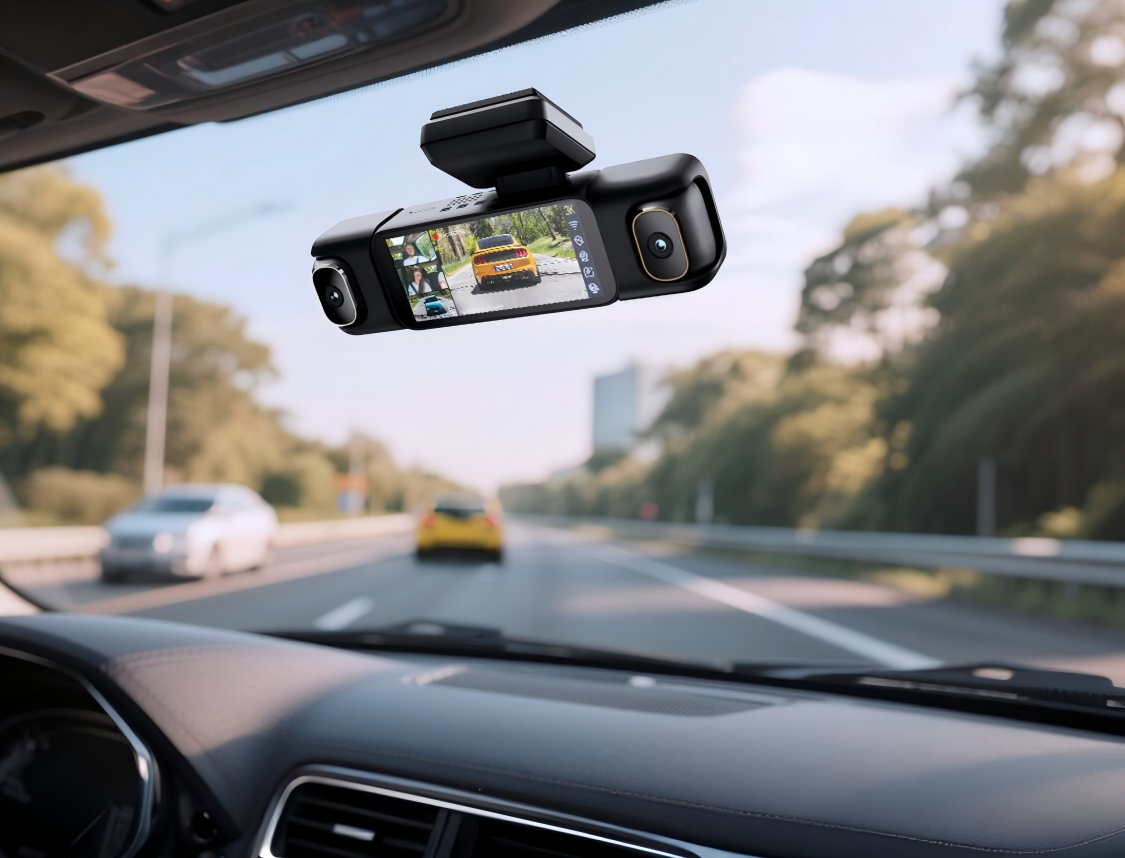
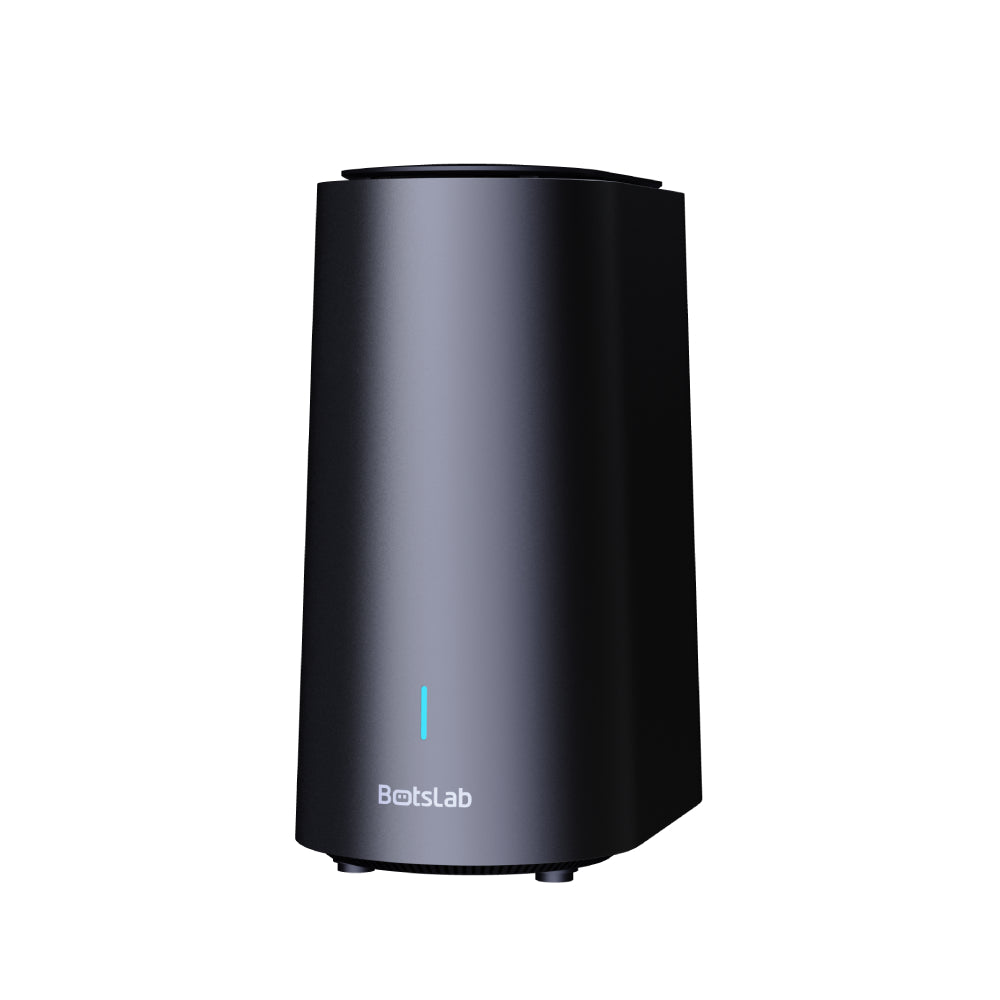
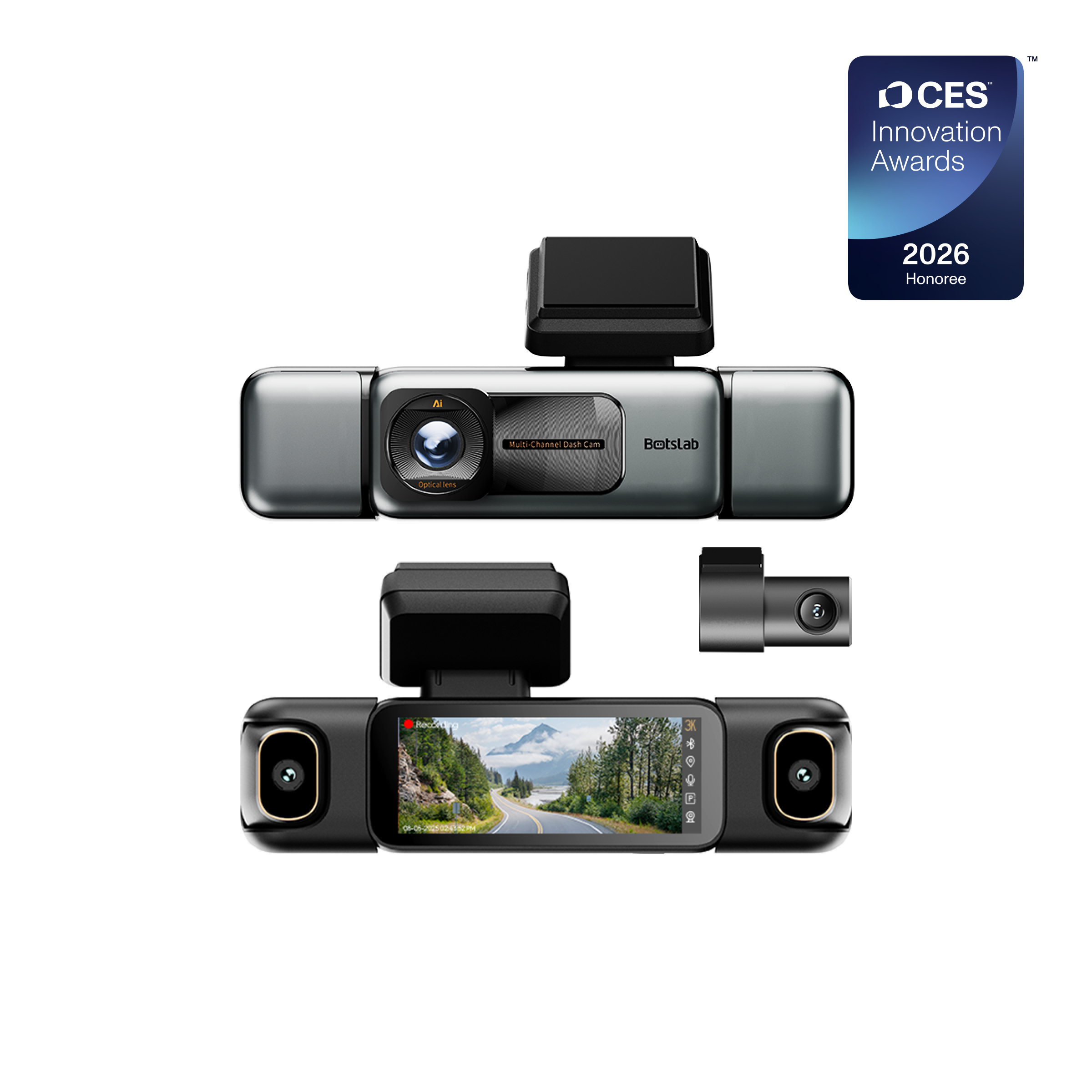
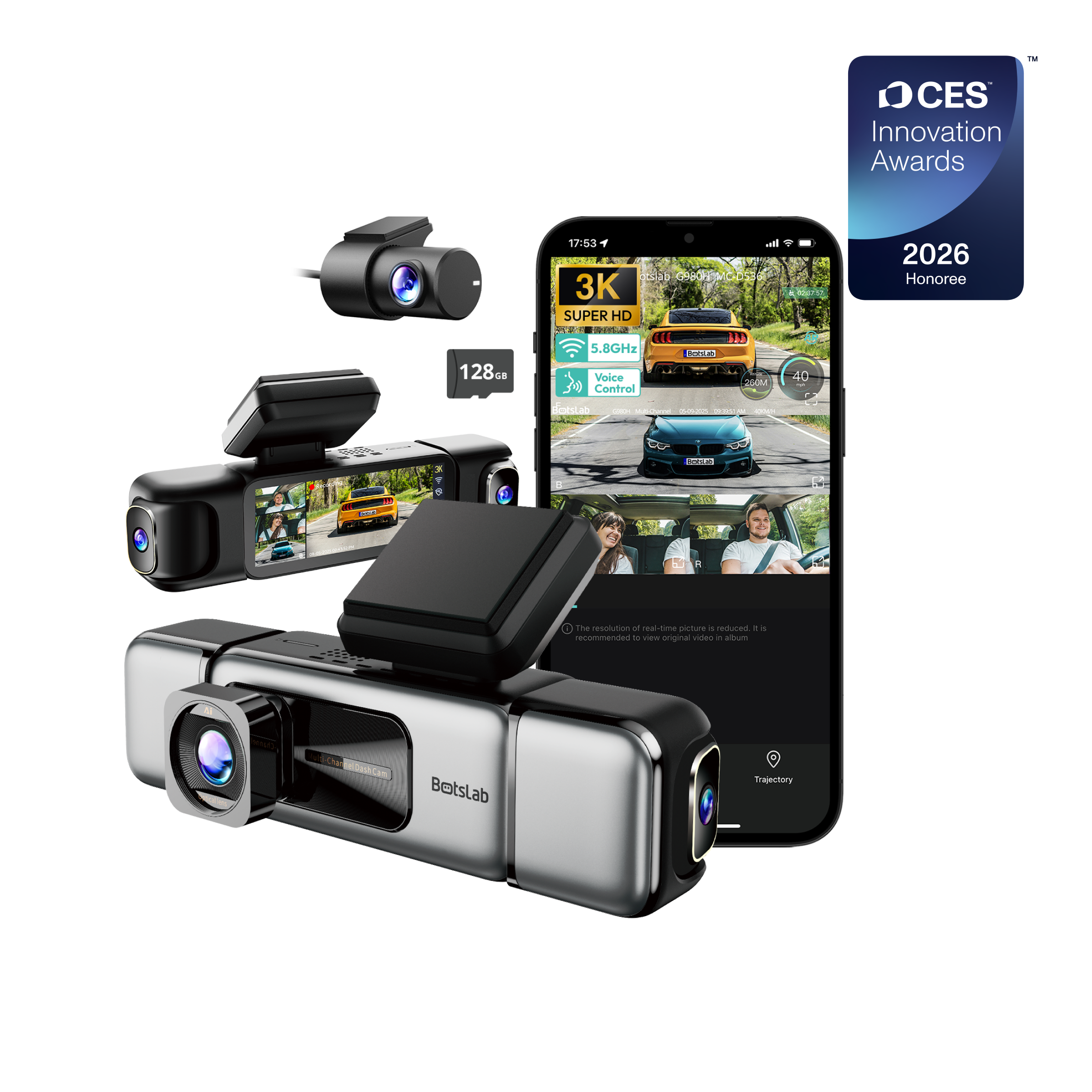
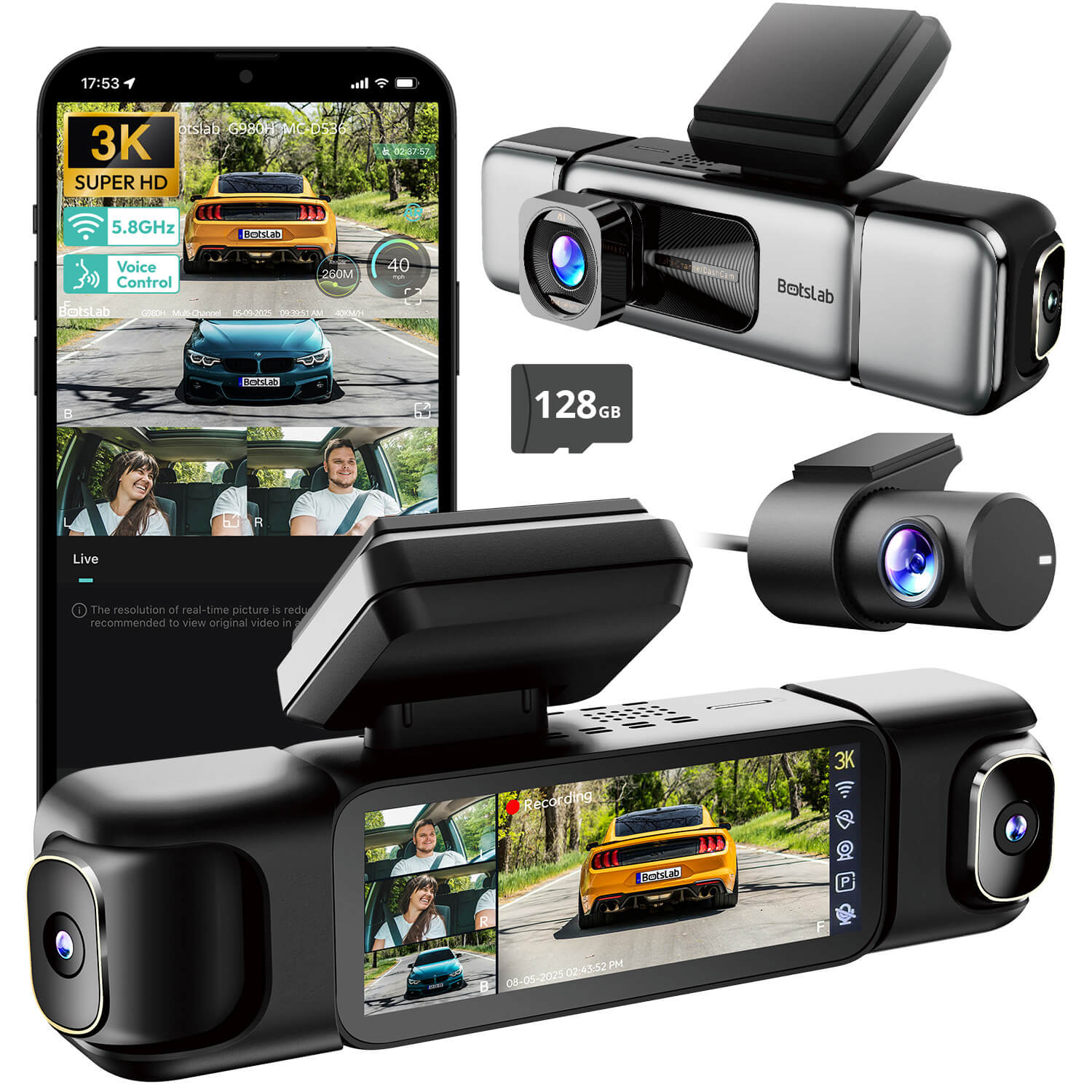
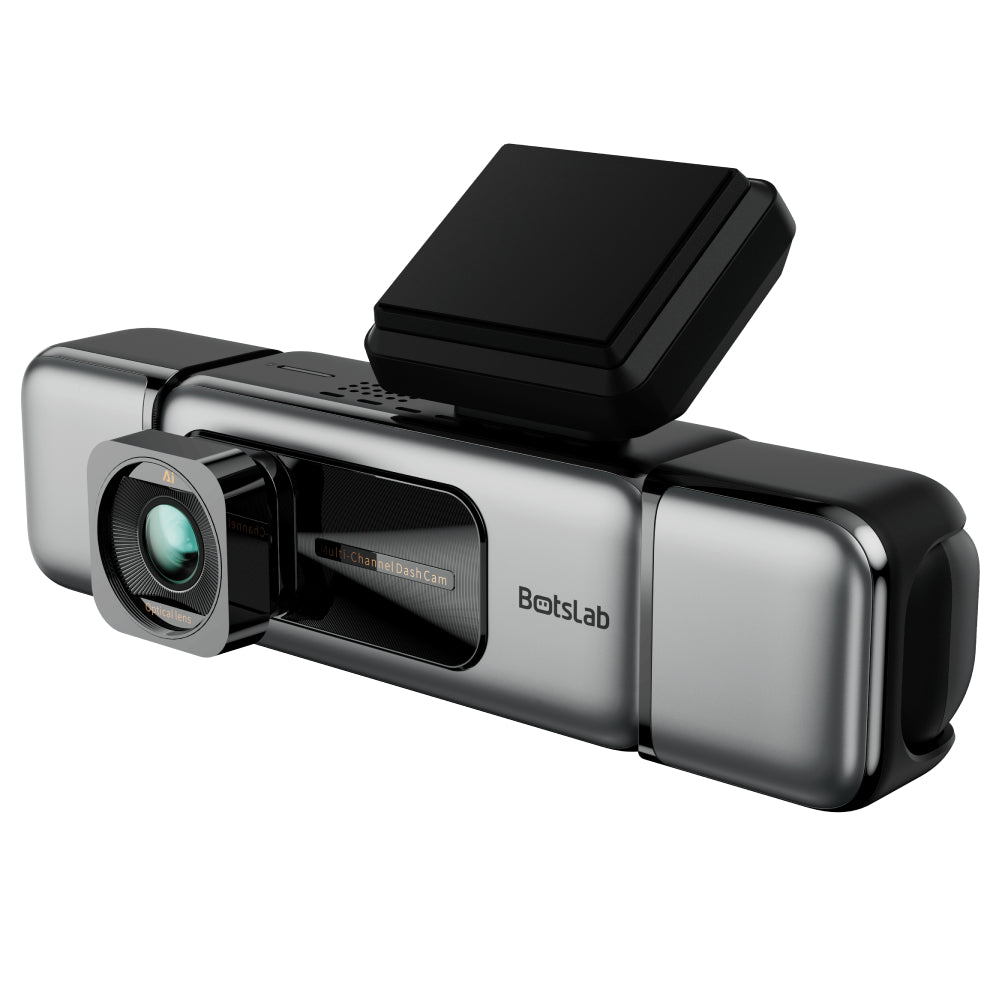
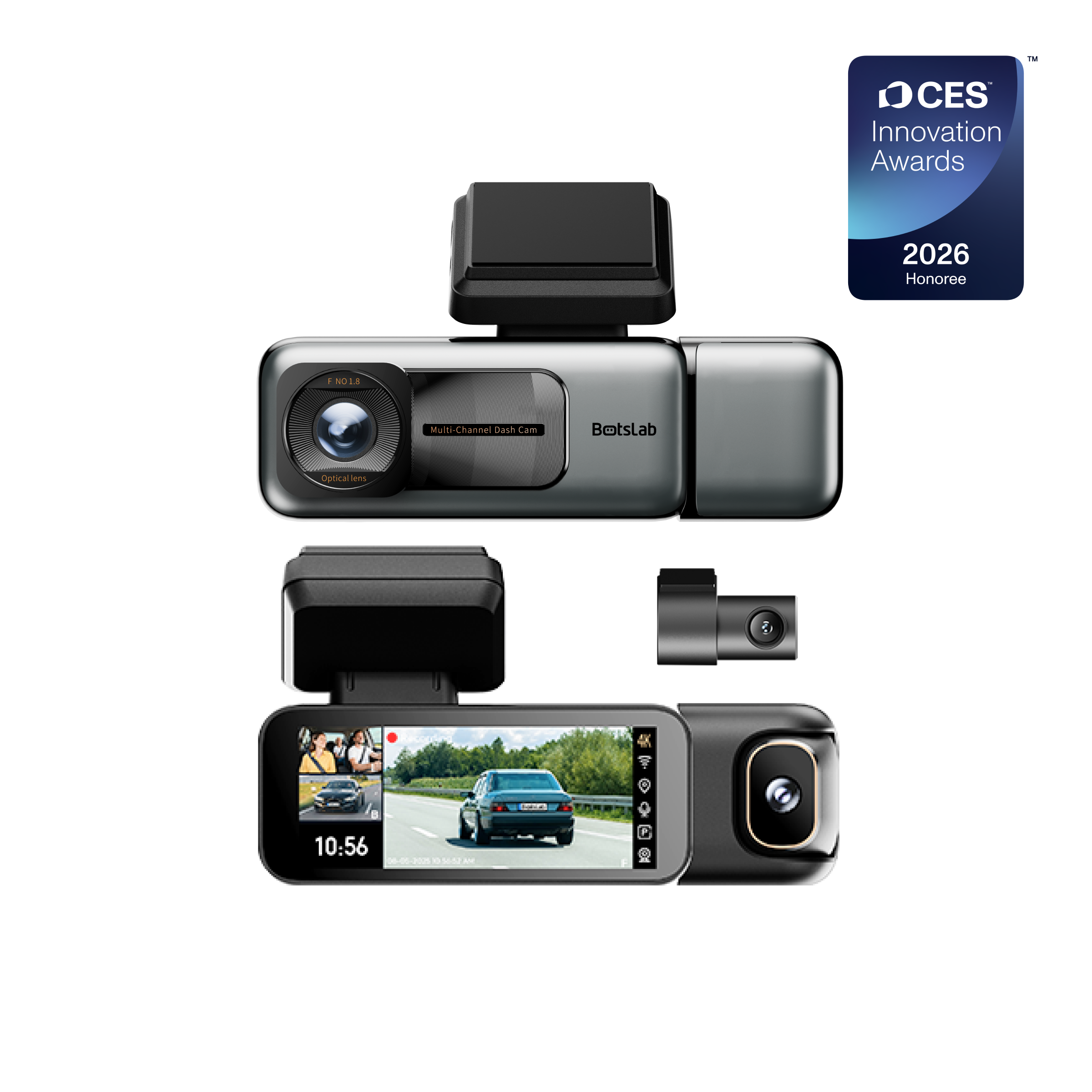
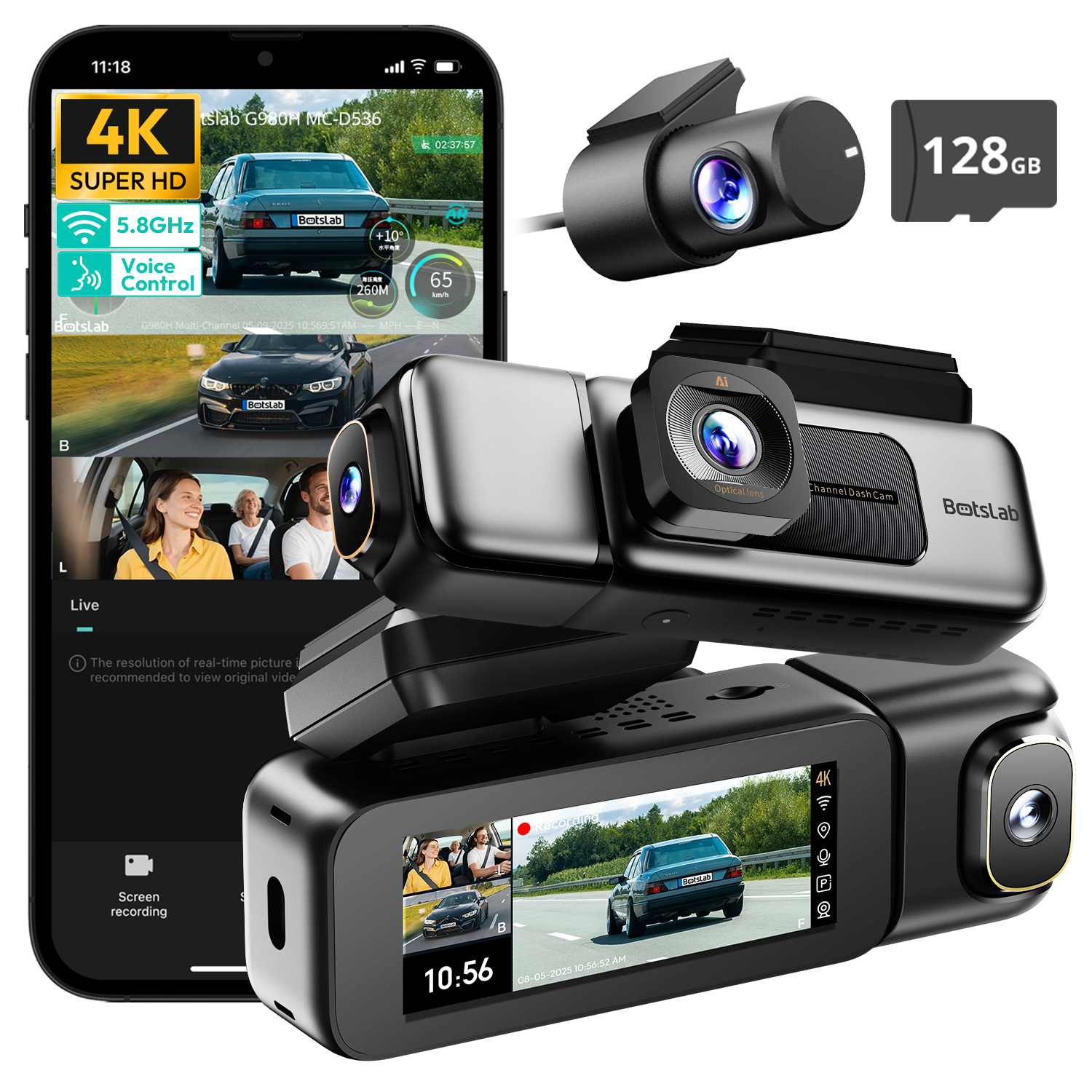
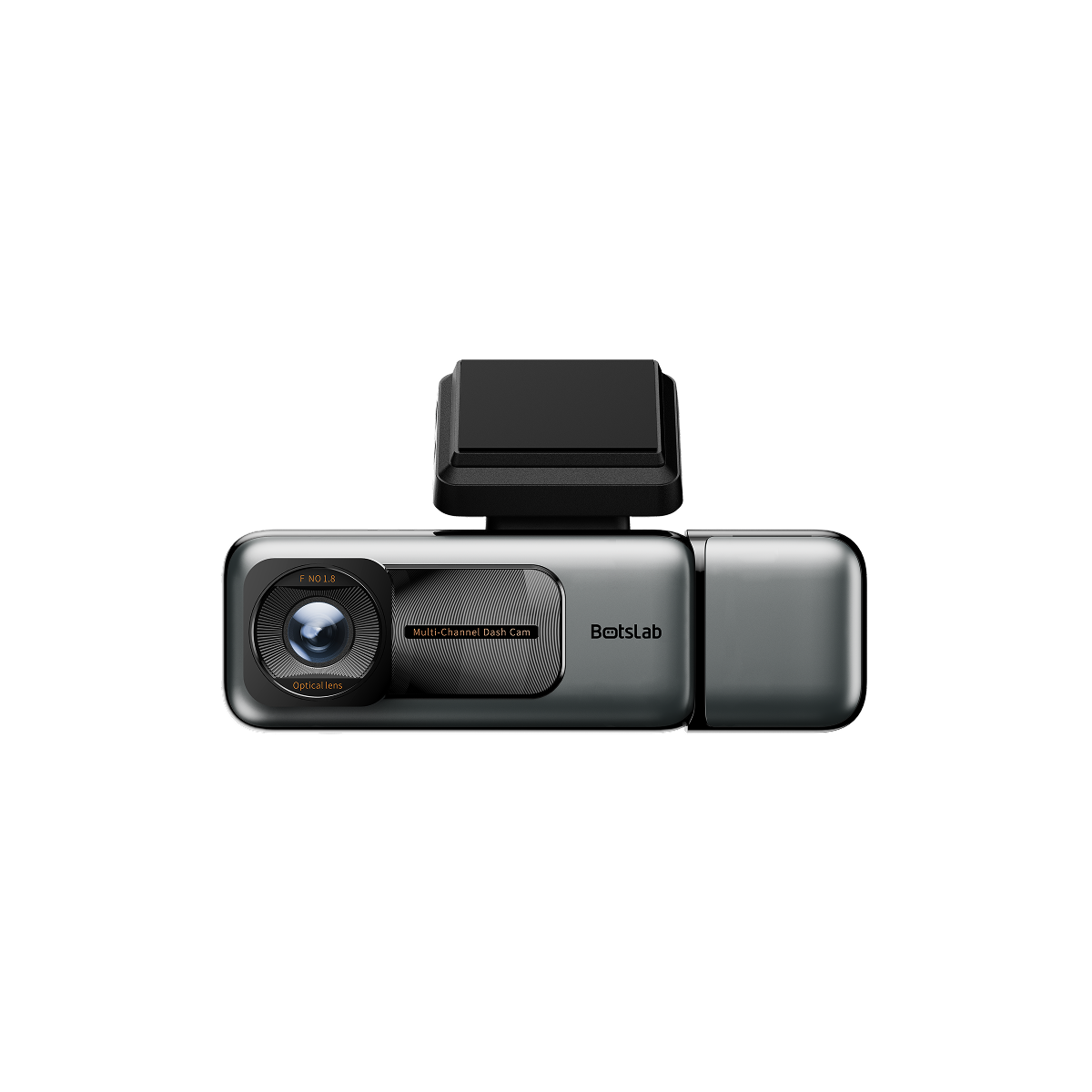
Emerging as a formidable competitor, Botslab impresses with a modern, streamlined app experience that prioritizes speed and simplicity without sacrificing advanced features. The Botslab app is designed for intuitive interaction, making it exceptionally easy for users to connect, view, and manage footage from high-resolution cameras like the Botslab G980 4K. The app's interface is clean and responsive, ensuring that finding a specific clip or adjusting a setting is a quick and frustration-free process.
Botslab distinguishes itself by seamlessly handling ultra-high-definition 4K video files, a task where many other apps struggle. Download speeds over its 5GHz Wi-Fi connection are notably fast, minimizing the time it takes to secure important evidence on your phone. Furthermore, the app provides excellent control over unique features like AI-powered parking surveillance, which intelligently detects human presence and records events with higher accuracy. This blend of high performance, advanced AI features, and a truly user-friendly app control makes Botslab an outstanding choice for users who demand both top-tier video quality and a flawless software experience.
Vantrue: What are the Strengths of its App Control?
Vantrue has carved out a reputation for producing high-quality dash cams that offer excellent value, and its app follows this philosophy. The Vantrue Cam app is a straightforward, no-frills tool that focuses on getting the essentials right. It provides a stable Wi-Fi connection for accessing a live view, downloading footage, and configuring camera settings. While it may not have the extensive cloud capabilities of BlackVue or Thinkware, its strength lies in its simplicity and reliability.
The app's layout is easy to understand, with clearly labeled menus for recordings, snapshots, and settings. Users often praise the speed and ease with which they can download videos, which is a fundamental requirement. Vantrue also supports voice control on many of its models, which works in tandem with the app to provide hands-free operation for critical functions like saving a file or taking a photo. For users seeking a dependable app for core dash cam functions without the complexity of cloud services, Vantrue is a solid performer.
Garmin: How Does it Integrate with its Broader Ecosystem?
Garmin leverages its extensive experience in GPS and consumer electronics to create a unique dash cam experience with its Garmin Drive app. The app's standout feature is the "Dash Cam Auto Sync," which allows users to connect and control up to four compatible Garmin dash cams simultaneously. This is ideal for covering every angle of a vehicle, as the app can automatically synchronize the footage and create a picture-in-picture video showing multiple viewpoints.
The app provides all the standard features, including settings adjustment, live view, and video downloads. Where it gains an edge is for users already invested in the Garmin ecosystem. The app integrates smoothly with Garmin's GPS navigators and smartwatches. While the app's interface can sometimes feel less modern than competitors, its unique multi-camera synchronization and ecosystem integration offer a compelling reason for many to choose Garmin.
How Does Wi-Fi vs. Cloud Connectivity Impact App Control?
Understanding the two main types of connectivity is crucial when choosing a dash cam based on its app. The most common method is Direct Wi-Fi. In this setup, the dash cam creates its own local Wi-Fi network. You connect your smartphone directly to this network, typically within a 15-30 foot range. This allows you to use the app to view live video, change settings, and download footage to your phone. It does not require an internet connection, but its functionality is limited to your proximity to the vehicle.
Cloud Connectivity, offered by premium brands like BlackVue, Thinkware, and some others, takes this a step further. For this to work, the dash cam must have its own internet connection, usually through a dedicated LTE module or by connecting to a mobile hotspot in your car. This internet connection allows the camera to "phone home" to a cloud server. Through the app, you can then access your camera from anywhere in the world with a cell signal. This unlocks remote features like live-viewing your parked car from your office, receiving impact alerts on your phone, and tracking your vehicle's location in real time.
What Key Features Should You Look For in a Dash Cam App?
When evaluating a dash cam's app, look beyond the basic connection and focus on the specific features that enhance its usability and safety. A comprehensive app should offer a suite of tools that make managing your device and its recordings simple and effective. The best apps consolidate these functions into an intuitive and responsive package.
A functional app should provide robust control over all aspects of the dash cam. Consider the following key features and how different brands implement them:
| Feature | Description | Top Performers |
|---|---|---|
| Stable Connectivity & Fast Downloads | The ability to quickly connect via Wi-Fi and transfer large video files to your phone without errors or slow speeds. | Botslab, Thinkware |
| Intuitive Video Playback | Easily browse, filter (by event, date, or parking), and play back recorded clips directly within the app. | Thinkware, BlackVue, Botslab |
| Comprehensive Settings Control | The power to adjust everything from resolution and frame rate to G-sensor sensitivity and parking mode options. | Thinkware, BlackVue |
| Remote Cloud Features | Access to live view, GPS tracking, and push notifications when you are away from your vehicle (requires internet). | BlackVue, Thinkware |
| Over-the-Air (OTA) Firmware Updates | The convenience of updating your dash cam's software and firmware directly through the app, no SD card or computer needed. | Botslab, BlackVue, Thinkware |
Can a Poor App Ruin a Good Dash Cam?
Absolutely. A dash cam with phenomenal 4K resolution and a wide dynamic range is rendered almost useless if the app required to access that footage is buggy, slow, or unintuitive. The app is the primary point of interaction after installation. If you cannot reliably connect to the camera, you cannot verify its aim. If you cannot download a video clip after an accident, the camera has failed its most important purpose.
User frustration with poorly designed apps is a common theme in product reviews. Complaints often center on dropped Wi-Fi connections, excruciatingly slow download speeds (especially for 4K files), a confusing interface for finding event files, or app crashes. These issues transform a potential safety tool into a source of stress. Therefore, when making a purchase decision, the quality and proven performance of the companion app should be given as much weight as the camera's hardware specifications.
How Do You Connect Your Phone to Your Dash Cam?
Connecting your smartphone to a Wi-Fi-enabled dash cam is generally a straightforward process, though the exact steps may vary slightly between brands. The fundamental principle involves using your phone to connect to the dash cam's self-generated Wi-Fi network.
First, ensure the dash cam is powered on in your vehicle. Next, on the dash cam itself, activate its Wi-Fi mode. This is often done by pressing a dedicated Wi-Fi button on the unit; some models may enter this mode automatically. The camera will then begin broadcasting a Wi-Fi network (SSID), and it may state the network name and password aloud or display it on its screen. On your smartphone, go to your Wi-Fi settings and look for the dash cam's network. Select it and enter the provided password. Once connected, you can open the dash cam's dedicated mobile app. The app will automatically detect the connection and give you full access to its features, including live view, settings, and recorded files.
Are There Common Problems with Dash Cam Apps?
Even the best dash cam apps can sometimes present challenges. Being aware of common issues can help in troubleshooting and setting realistic expectations. The most frequent complaint across all brands is connectivity. Interference from other Wi-Fi networks, your phone's cellular data settings, or even certain phone case materials can disrupt the connection between the phone and the camera. A common fix is to temporarily disable your phone's mobile data or use "Airplane Mode" with Wi-Fi turned back on to force a stable connection.
Slow download speeds are another prevalent issue. This is often related to the size of the video file (4K files are much larger than 1080p files) and the Wi-Fi protocol used by the camera. Models with 5GHz Wi-Fi, like many from Botslab and other top-tier brands, offer significantly faster transfer rates than older 2.4GHz-only models. Finally, app compatibility can be a problem. A new smartphone operating system update can sometimes cause temporary issues with an app until the developer releases a patch. Keeping your dash cam app updated through your phone's app store is the best way to ensure continued compatibility and performance.








Share:
What Are the Top Dash Cams with Built-in Advanced Driver Assistance Systems (ADAS)?
Which Dash Cam Brand Offers the Best Warranty and Customer Support?