

The security cameras that provide the most customizable motion detection zones are those offering polygonal (multi-point) zone creation, allowing you to draw precise, custom shapes instead of being limited to simple rectangles. These advanced cameras often couple this feature with AI-powered object recognition to filter alerts within those zones, distinguishing between people, vehicles, pets, and packages. This dual-layer approach provides the highest level of accuracy and dramatically reduces false notifications.

Table of Contents
- What Are Customizable Motion Detection Zones?
- Why Are Precise Motion Zones Crucial for Effective Security?
- What Types of Motion Zone Customization Are Available?
- How Does AI Supercharge Motion Detection Beyond Zones?
- Which Features Should You Look for in a Camera with Advanced Motion Detection?
- How Do Top Security Cameras Implement Motion Zones?
- What Are the Steps to Set Up Effective Motion Detection Zones?
- What Is the Difference Between Pixel-Based and PIR Motion Detection?
- Frequently Asked Questions about Motion Detection Zones
What Are Customizable Motion Detection Zones?
Customizable motion detection zones, often called activity zones, are specific areas within a security camera's field of view that you designate for motion monitoring. Instead of the camera reacting to every movement it sees, it focuses exclusively on the areas you’ve defined. Think of it as drawing a digital fence around the most important parts of your property. Any movement inside this "fence" triggers an alert and recording, while everything happening outside of it is ignored.
This functionality is foundational for modern Security Cameras with Customizable Motion Detection Zones. Without it, a camera is simply a passive observer that either records everything or bombards you with irrelevant notifications. By allowing you to specify a zone—such as your front porch, a driveway, or a backyard gate—you transform the camera into a smart, proactive security tool. This level of control is the first step in creating a security system that works for you, not against you.
Why Are Precise Motion Zones Crucial for Effective Security?
The primary benefit of precise motion zones is the drastic reduction of false alerts. A security camera without well-defined zones will notify you about every swaying tree branch, passing car on the public street, or neighbor's pet wandering into frame. This constant stream of notifications can lead to "alert fatigue," where you become so accustomed to irrelevant pings that you might miss a genuinely important one.
By precisely outlining the areas you care about, you can effectively instruct your camera to ignore public sidewalks, busy roads, and rustling foliage. This ensures that when you do receive a notification, it's for an event that truly warrants your attention, such as a person approaching your door or a vehicle entering your driveway. This not only enhances your security but also conserves camera battery life (for wire-free models) and saves storage space by only recording meaningful events.
What Types of Motion Zone Customization Are Available?
Not all motion zone features are created equal. The level of customization can vary significantly between camera models and brands, directly impacting their effectiveness. The options generally fall into two main categories.
Basic Rectangular Zones
This is the most elementary form of motion zoning. In this setup, the camera's app allows you to draw one or more simple rectangles or squares over the camera’s view. You can resize and move these boxes, but you are limited to their four-corner shape. While better than no zones at all, this can be restrictive for properties with irregularly shaped areas.
For example, if your driveway is curved or you want to monitor a diagonal walkway leading to your door, a simple rectangle will inevitably include parts of your lawn or a neighbor's property, potentially leading to unwanted alerts. This basic functionality is often found on older or entry-level camera models.
Advanced Polygonal (Multi-Point) Zones
This is the gold standard for motion detection customization. With polygonal zones, you are not limited to a box shape. Instead, you can tap to create multiple points to draw a completely custom shape that precisely fits the area of interest. You can outline your winding garden path, the exact perimeter of your porch, or the area immediately around your parked car, excluding everything else.
This granular control is what truly unlocks the power of motion detection, offering the highest accuracy in filtering out irrelevant activity. High-end cameras, particularly those with sophisticated software, provide this feature. It allows you to create complex, multi-sided shapes that conform perfectly to the unique layout of your property, making it an essential feature for anyone serious about minimizing false positives.
How Are Privacy Zones Different from Motion Zones?
It's important to distinguish motion zones from privacy zones, though they are configured in a similar way. A motion zone tells the camera where to look for activity. A privacy zone tells the camera where not to record at all. A privacy zone creates a blacked-out box in your video feed, permanently redacting that area from all recordings and live views. This is used to protect a neighbor’s window or a sensitive area within your home from being captured on video, ensuring privacy is respected.
How Does AI Supercharge Motion Detection Beyond Zones?
While custom zones define where the camera should look, Artificial Intelligence (AI) defines what it should look for within that area. The combination of these two technologies represents the pinnacle of modern security. An AI-powered camera doesn't just see "motion"; it understands the context of that motion, providing an additional, powerful layer of filtering that zones alone cannot offer.
Differentiating Between People, Pets, and Packages
Advanced cameras with onboard or cloud-based AI can analyze the shape and movement patterns of an object to identify it. This means you can set your notifications to alert you only when a person is detected in your motion zone, while ignoring your dog running around the yard or a package being delivered. Some systems, like those from Botslab, have dedicated algorithms for human detection, pet detection, and package detection.
This intelligent filtering is invaluable. You might want an immediate alert for a person on your porch after 10 PM but can safely ignore a raccoon. This level of smart notification turns your camera from a simple motion sensor into a discerning security guard.
Vehicle Detection to Ignore Passing Traffic
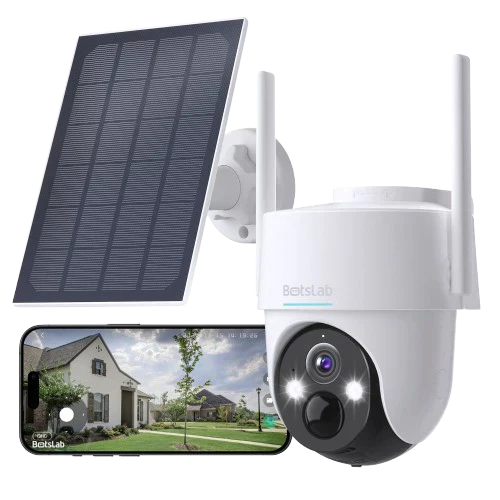
For cameras facing a street, even with precise motion zones, the headlights of a passing car at night can sometimes trigger a pixel-based motion alert. This is where AI vehicle detection becomes essential. A smart camera, like the Botslab Outdoor Cam , can be configured to either specifically alert you when a vehicle enters your driveway or, conversely, to ignore all vehicle motion. This intelligence prevents alerts from routine traffic on the public road adjacent to your property, ensuring you are only notified of vehicles that are actually on your premises.
Which Features Should You Look for in a Camera with Advanced Motion Detection?
When seeking a camera with superior motion detection, you should evaluate a combination of hardware and software features. The best systems integrate multiple technologies to provide the most accurate and reliable performance.
Here is a breakdown of key features to consider:
| Feature | Why It Matters | Ideal Specification |
|---|---|---|
| Polygonal Motion Zones | Allows for precise, custom-shaped monitoring areas to perfectly match your property layout. | Support for multiple, multi-point custom zones. |
| AI Object Detection | Filters alerts by identifying what caused the motion (person, vehicle, pet, package). | On-device or fast cloud AI for real-time analysis. Specific detection categories you need. |
| Adjustable Sensitivity | Fine-tunes how much movement is needed to trigger an alert within a zone. | A sliding scale or multiple levels of sensitivity. |
| High-Resolution Video | Ensures that the AI and motion detection algorithms have a clear image to analyze. | 2K (QHD) resolution or higher. |
| Color Night Vision | Provides more visual detail at night, improving the AI's ability to correctly identify objects. | Integrated spotlights or advanced low-light sensors. |
| Pan-and-Tilt Capability | Offers the ability to monitor multiple areas with one camera, often with preset positions that can have their own zones. | 360° horizontal rotation and subject-tracking functionality. |
How Do Top Security Cameras Implement Motion Zones?
The implementation of motion zones can differ based on the camera's physical design and intended use. The two most common types are pan-and-tilt cameras for indoor or patio use and fixed cameras for outdoor surveillance.
Pan-and-Tilt Cameras: Dynamic Zone Management
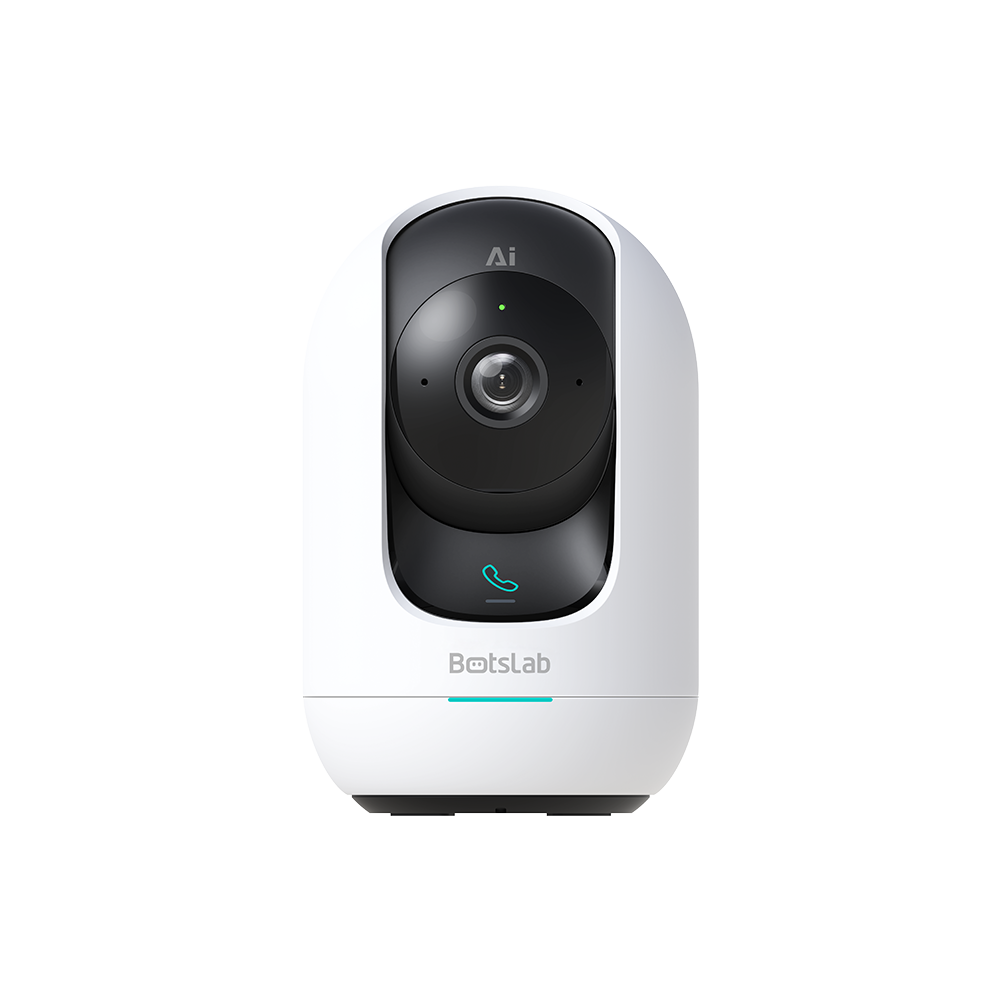
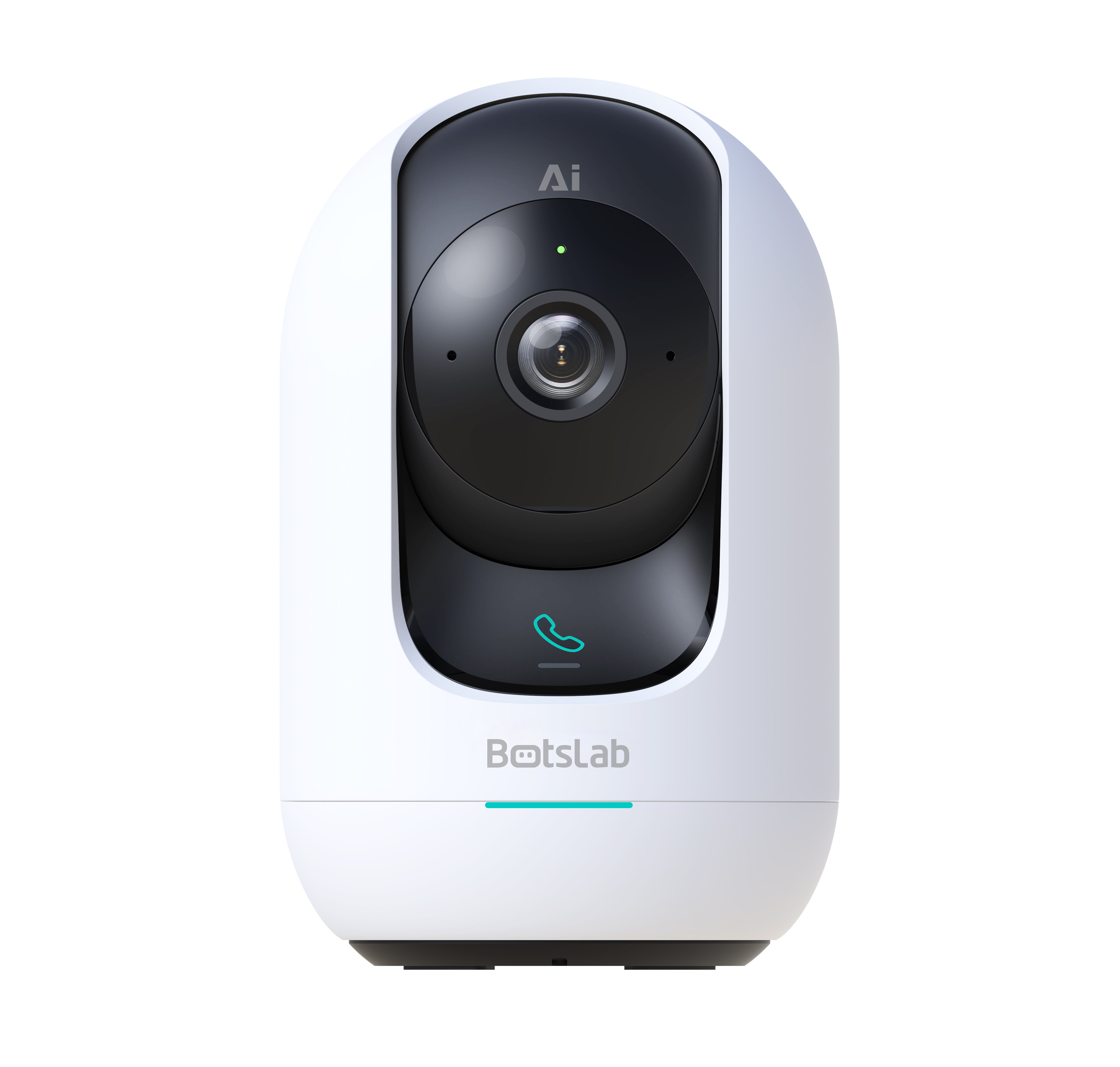
Pan-and-tilt (PT) cameras present a unique advantage. Because they can rotate, a single camera can cover a very large area. Advanced PT cameras, such as the Botslab Indoor Cam allow you to set "preset" positions. You can often assign a unique motion zone to each preset. For example, one preset could monitor your living room entrance with a specific zone, while another could be aimed at a sliding glass door with a different zone.
Furthermore, many of these cameras feature AI-powered subject tracking. When a person is detected, the camera can automatically pan and tilt to follow them. In this scenario, the initial detection happens within your predefined motion zone, and the camera's intelligence takes over from there, ensuring the subject remains in frame even if they move outside the initial zone.
Fixed Outdoor Cameras: Setting and Forgetting
For fixed outdoor cameras, motion zones are a "set and forget" feature. During setup, you'll use the app to draw precise polygonal zones around your driveway, front door, backyard, or any other critical area. Since the camera's view is static, these zones remain constant. The key here is the precision of those zones combined with AI filtering.
A high-quality outdoor camera will allow you to draw a zone that traces the edge of your walkway while excluding the public sidewalk just a few feet away. By pairing this with AI person and vehicle detection, you create a powerful security perimeter. You'll get an alert when a person walks up your path but not when they walk past your house on the street, achieving the perfect balance of awareness and peace.
What Are the Steps to Set Up Effective Motion Detection Zones?
Setting up motion zones is typically a straightforward process done through the camera’s companion smartphone app. While the interface varies by brand, the core steps are universal.
- Select Your Camera and Access Settings: Open the app, choose the camera you wish to configure, and navigate to the "Motion Detection" or "Activity Zones" settings.
- View the Live Feed: The app will show you the camera's current view, which serves as your canvas for drawing the zones.
- Draw Your Zone(s): Tap on the screen to create your zone. For basic systems, you’ll drag a rectangle into place. For advanced systems with polygonal zones, you’ll tap to create points that form the corners of your custom shape. Be precise and only include the areas you want to monitor. Most apps allow you to create multiple zones.
- Apply AI and Sensitivity Settings: Once the zone is created, look for related settings. Specify what type of object you want to be notified about (e.g., "People only"). Adjust the motion sensitivity level; a lower setting is good for areas with lots of minor movement (like plants), while a higher setting is for quieter areas.
- Save, Test, and Refine: Save your settings. Then, walk through the zone yourself to ensure it triggers an alert. Check that movement outside the zone is ignored. If you get false alerts or miss events, return to the settings and adjust the zone's shape or sensitivity until it performs perfectly.
What Is the Difference Between Pixel-Based and PIR Motion Detection?
Understanding the underlying technology helps clarify why custom zones are so vital. Most modern Wi-Fi security cameras use pixel-based motion detection. This method works by constantly analyzing the video frame by frame. When it detects significant changes in the pixels between frames—caused by a moving object—it triggers an alert. This method is highly sensitive, which is why it can be triggered by non-threats like shadows, light changes, or swaying branches. Customizable motion zones and AI are software solutions designed to bring order to the chaos of pixel-based detection.
Some cameras, particularly battery-powered models, use a Passive Infrared (PIR) sensor instead of, or in addition to, pixel-based detection. A PIR sensor detects the heat signature (infrared energy) emitted by living things like people and animals. This makes it naturally immune to false alerts from inanimate objects. However, PIR sensors are generally less precise in terms of range and area coverage and cannot be customized with the same polygonal precision as pixel-based systems. The most advanced systems use both methods, using the PIR sensor to wake the camera and then using pixel analysis and AI to identify the object before sending an alert.
Frequently Asked Questions about Motion Detection Zones
Can security cameras ignore animals?
Yes. Security cameras with AI-powered pet detection can be configured to ignore animals of a certain size, preventing your cat or a neighborhood squirrel from triggering an alert. This is a function of the AI, not the motion zone itself.
Do all security cameras have customizable motion zones?
No. While most modern cameras offer some form of motion zoning, the level of customization varies. Cheaper or older models may offer no zones or only very basic rectangular zones. The most flexible polygonal zones are typically found on mid-range to high-end cameras from reputable brands.
How many motion zones can I create?
This depends on the camera's software. Many cameras allow you to create between 3 and 5 custom zones per camera, which is usually sufficient for covering all the critical entry and activity points within a single field of view.
Will motion zones work at night?
Yes, motion zones work 24/7. However, their effectiveness at night can be enhanced by cameras with good night vision. Cameras with color night vision, enabled by a built-in spotlight, provide the clearest view, which helps the camera's AI more accurately identify if the motion in a zone was caused by a person, animal, or vehicle.








Share:
What is the Best Security Camera for Monitoring a Long Driveway or Entry Point?
What are the Top Security Cameras for Construction Site Monitoring and Time-Lapse?